Protecting against AI bots: How to prevent content scraping?

Generative artificial intelligence is becoming very popular, which means that demand for new content to generate models has soared. And where do you get that content if not from the websites available online? Don't want someone stealing your articles or images? There are a few ways to deal with this.
According to reports, Google paid 60 million dollars a year for a licence to content generated by Reddit users, and recently Perplexity was accused of impersonating legitimate users in order to scrape the content of websites.
Blocking AI bots from scraping content is a challenge that requires applying several strategies, including both simple and advanced techniques. Unfortunately, it may turn out that not all requests not to collect data will be respected.
Table of contents
Blocking with Cloudflare
The easiest option is blocking such web bots through the Cloudflare service. All you have to do is, in the options of the domain you have pointed at Cloudflare, turn on blocking of known AI bots.
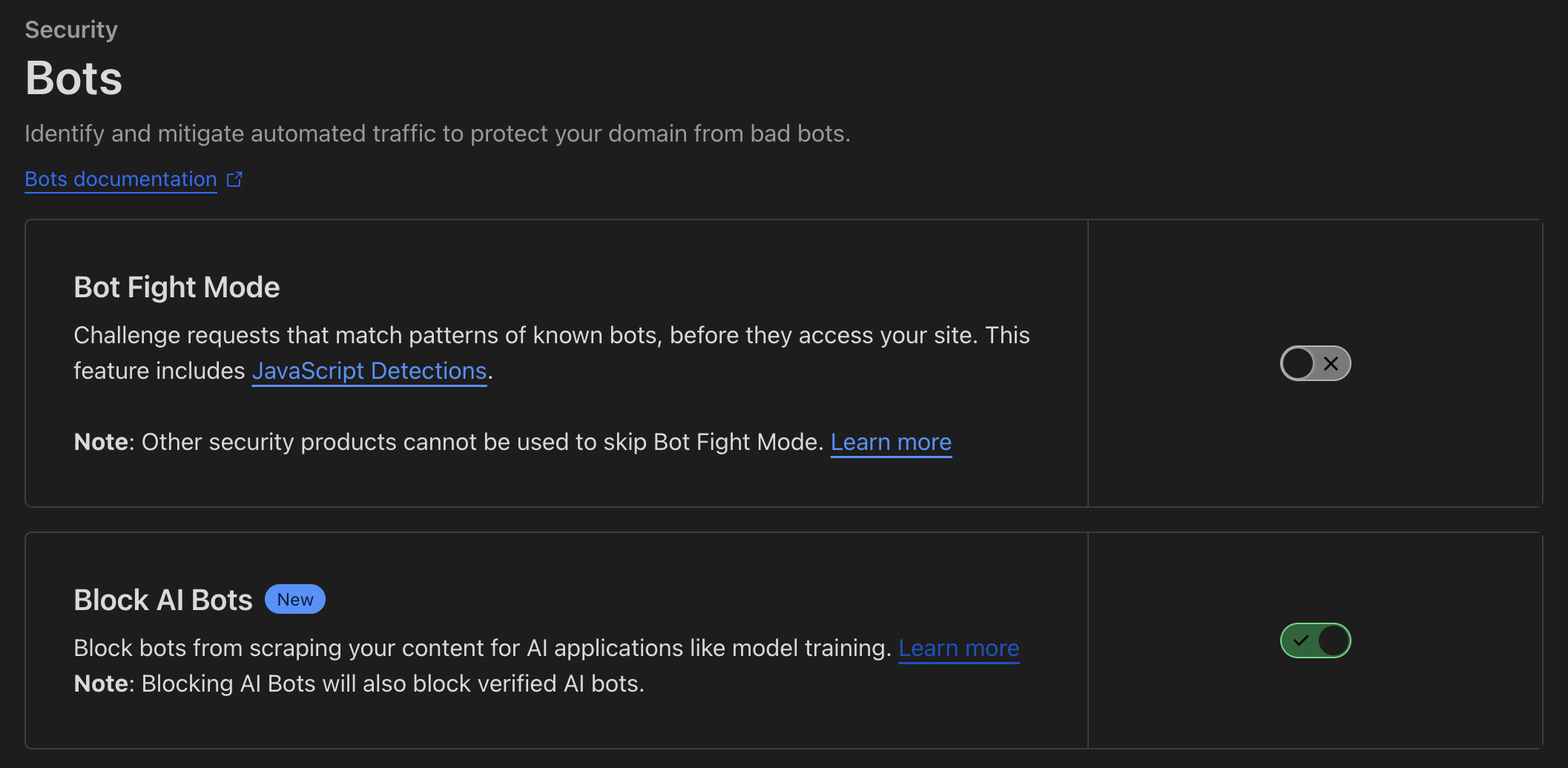
We go to the section Security > Bots > Block AI Bots and turn the option on. From that moment, such bots shouldn't enter your site and download data from it. More on this solution in the article Declare your AIndependence: block AI bots, scrapers and crawlers with a single click.
And this solution may turn out to be one of the better ones, because, as it turns out, some AI solutions try to cheat the User-Agent and present themselves differently, so blocking via robots.txt may turn out to be ineffective. Perplexity, for example, was caught with this behaviour.
The robots.txt file
This is a basic tool that informs bots which parts of the site they may index. You can add entries to the robots.txt file blocking specific bots, e.g.:
User-agent: AIbot
Disallow: /
You should remember, however, that the robots.txt file only works on "well-behaved" bots that respect these rules. Unfortunately, there are bots that ignore these settings. You'll find a full list of bots at https://github.com/ai-robots-txt/ and https://darkvisitors.com/.
Blocking bots at the server level
You can block bots at the server level, using configuration files such as .htaccess (for Apache servers) or nginx.conf (for NGINX servers). An example of blocking in .htaccess:
RewriteEngine On
RewriteCond %{HTTP_USER_AGENT} AI2Bot [NC]
RewriteRule .* - [F,L]
You can also block specific IP addresses known for scraping activities. Unfortunately, this list can change and blocking all subnets becomes difficult.
Blocking access to public resources
Limit access to public content, e.g. by requiring registration or login, or even through a subscription system. Content of this kind requires logging in or purchasing a service from you. Unfortunately, there are suspicions that systems like Perplexity pretend to be real users in order to access content hidden this way.
The noai, noimageai meta tag
The noai meta tag is a new solution designed specifically to block access for AI bots, especially those that collect data in order to train artificial intelligence models. Using this tag is a signal to AI bots not to index, process or use the content of the website.
An example of this tag's syntax looks like this:
<meta name="robots" content="noai">
<meta name="robots" content="noai, noimageai">
The meaning of these attributes:
- noai – signals to AI bots that they shouldn't scrape or use the page's content in their activities.
- noimageai – signals to AI bots that they shouldn't analyse or use images from the given page.
Although this tag is becoming more and more popular, its effectiveness depends on whether AI bots will respect its guidelines. Not all bots may be programmed to recognise and respect these meta tags, but it's a step towards greater transparency and content protection by website owners.
If you have a problem setting up any of these options, contact me and I'll surely help you.
View related articles

IT outages happen to everyone
For the past few hours the internet messenger Slack has been down. A few weeks ago you couldn't use Google's services, and even earlier a large part of the Internet wasn't working because of an outage of Cloudflare's services. Is it possible that cloud services are unavailable?
The Eisenhower Matrix, or how to take control of priorities
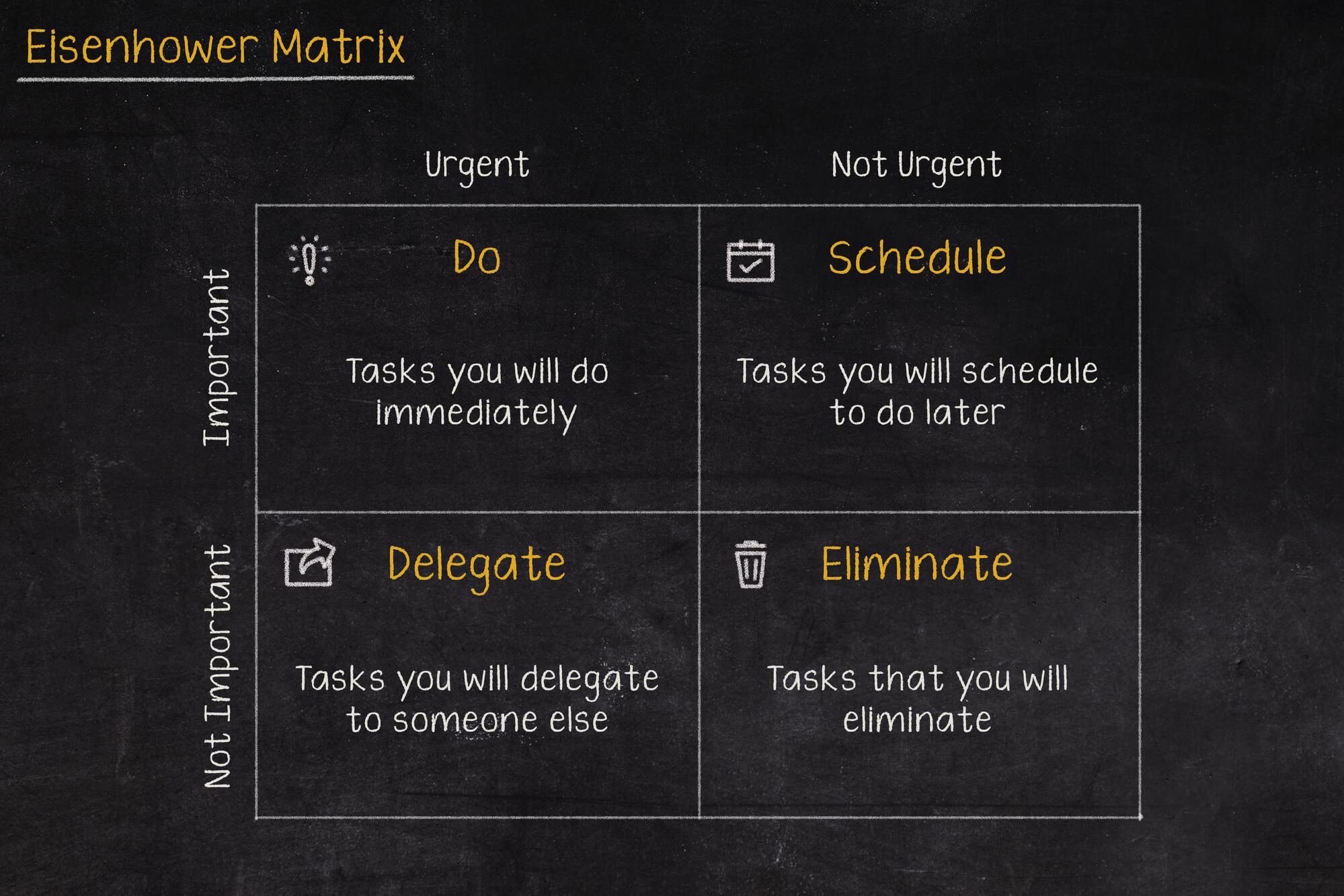
Go on a break, or maybe reply to that email, or pick up the phone from your boss? In what order should you tackle these tasks so as not to lose control and fall into helplessness? The solution to these problems may be the Eisenhower Matrix (also called the Eisenhower Box or Eisenhower Square).

Should the RCB Alert inform about the presidential elections?
Communication in an emergency is one of the more important topics covered during sailing, flying or diving. Warnings can save lives, which is why they shouldn't be treated lightly, and even more so shouldn't, by their wording, lead to their being ignored.