What tools do I use to increase productivity?
Technology is developing at a crazy pace. Once, to create a radio broadcast or a video stream, you needed a recording studio. Today one person, with the help of a smartphone, is able to work wonders. What one company used to do, today one person can do. How do I cope with this and what tools do I use? That's exactly what this post is about.
If you think that after reading this article you'll have more time, you're mistaken. Certain tools allow you to increase your productivity, that is, in the same time you'll simply do more.
This post will be updated as the tools or approach to work change.
Table of contents
Notes and reminders
- Notes during teleconferences I take in a paper notebook. It's probably the most convenient form of note-taking, one that doesn't distract people. I once tried taking notes on a computer.
- Quick reminders to do something I set in the Reminders app on iPhone. I set reminders in the style of: after leaving home, after arriving at the office, at a specific time, etc. A brilliant tool.
- More important notes, quotes from training courses, photos, study aids, simple code snippets, recipes, I organise in Notion. I like building a certain structure of documents, using shared blocks, or adding icons to notes.
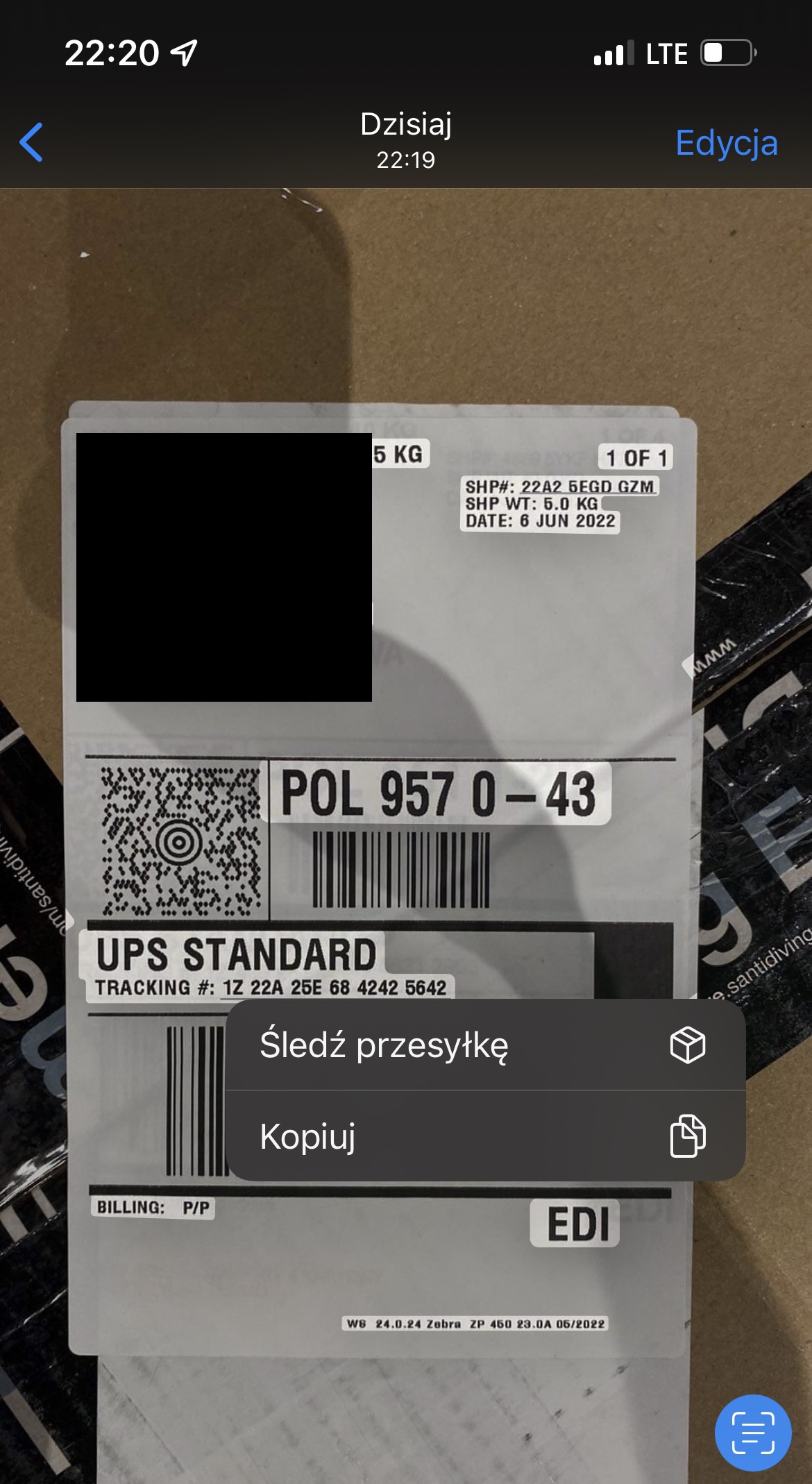
- A lot of notes are also created on my iPhone in the form of screenshots. Especially since there's the option of recognising text in photos, translating words and interacting with them. It quickly lets you find a given fragment, or copy it later to another place.
- I tried apps such as Google Keep and Apple Notes. The latter are slowly winning me over.
- I also considered buying a reMarkable 2.
Tasks
- Quick and simple tasks are saved in the Reminders app mentioned above. Large tasks I note in Clickup. The app is very large and elaborate, but that gives it enormous flexibility. It also adds a lot of automations, creating tasks based on an email, list, board, calendar views, etc. Here I create tasks for myself, for my various projects and companies. When creating a task, I assign each one a deadline and try not to exceed it. The tool is great at reminding you of approaching deadlines.
- I've used tools such as JIRA, Asana and Trello. The last one really wasn't to my taste, even though it has many fans.
Articles and books
- I most often listen to audiobooks while driving or swimming at the pool. For a few years I've been using JBL ENDURANCE DIVE. They've never let me down.
- Books I keep in the Apple Books app. They sync nicely between the devices I have. Reading or listening to a book can easily be resumed on another device.
- I tried using Speechify to turn articles into audiobooks.
- Articles to read later I save in Clickup as a to-do list with a due date.
Documents
- All documents are stored in Google Drive. Paper invoices have their digital counterpart on the drive.
- Photos are archived in Google Photos in the form of albums. The tool is great at recognising images, so that by typing a word, e.g. yachts, it will show photos from sea voyages.
Automations
- I automate everything I can. I love the Apple Shortcuts app. This app, supported by automation, allows you to do really quite a lot. An example of such an automation of mine is turning off mobile data, turning on WiFi, switching to the Work focus state when I enter the office.
- Automating the sending of emails to, e.g., blog readers or other projects is carried out using Sendy.
Browser extensions
- I use the Google Chrome browser. In it I have two profiles: personal and work.
- The only extension that makes my work much easier is Checker Plus for Gmail™. It lets me quickly glance at my mail while being on another site.
Health
- To be productive, you have to be healthy. If I need to have blood tests done, I do them at uPacjenta.pl (by clicking the link you'll get a 100 zł discount). The blood is drawn at my office or flat, and the results are the same day. A huge time saving.
View related articles

IT outages happen to everyone
For the past few hours the internet messenger Slack has been down. A few weeks ago you couldn't use Google's services, and even earlier a large part of the Internet wasn't working because of an outage of Cloudflare's services. Is it possible that cloud services are unavailable?
The Eisenhower Matrix, or how to take control of priorities
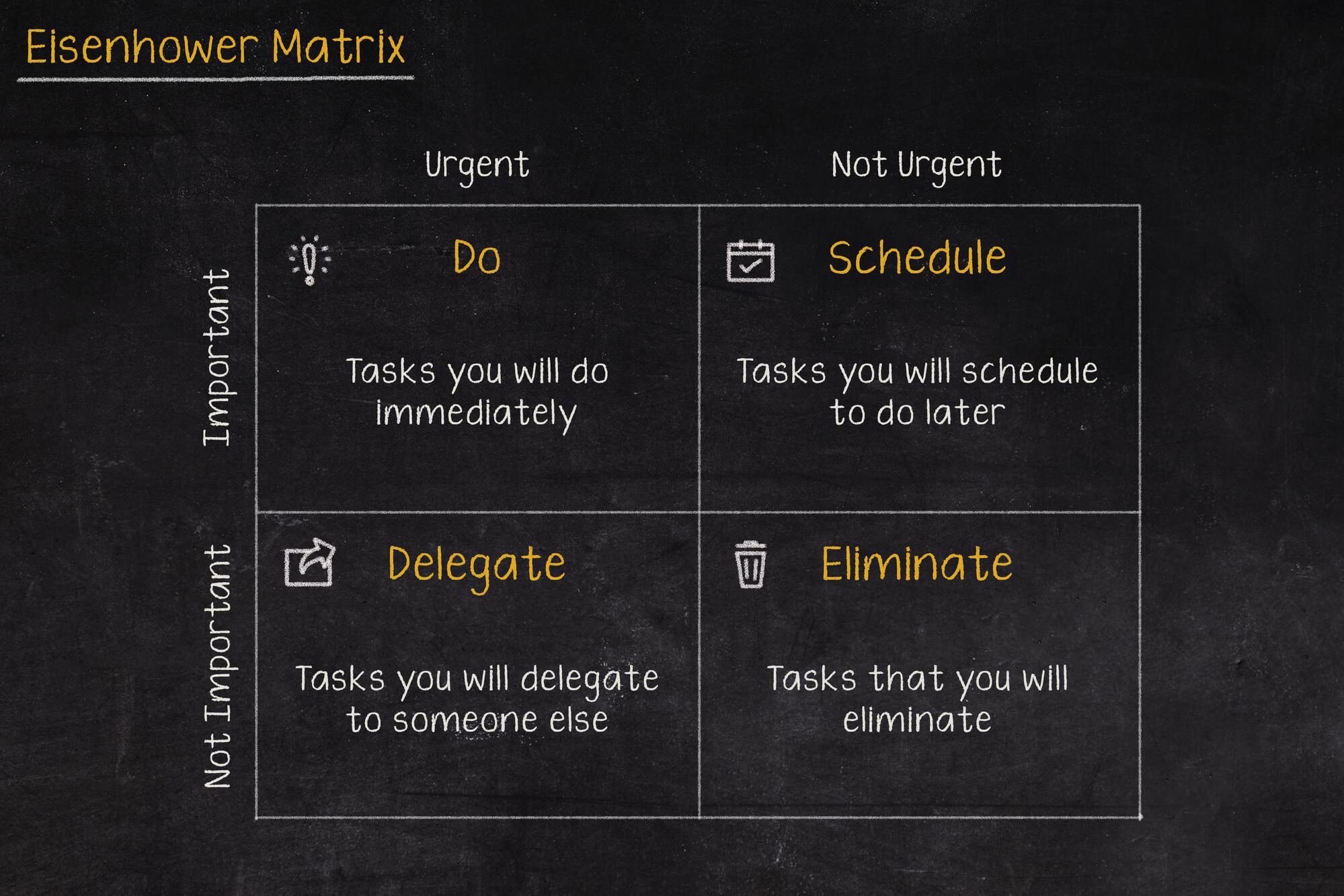
Go on a break, or maybe reply to that email, or pick up the phone from your boss? In what order should you tackle these tasks so as not to lose control and fall into helplessness? The solution to these problems may be the Eisenhower Matrix (also called the Eisenhower Box or Eisenhower Square).

Should the RCB Alert inform about the presidential elections?
Communication in an emergency is one of the more important topics covered during sailing, flying or diving. Warnings can save lives, which is why they shouldn't be treated lightly, and even more so shouldn't, by their wording, lead to their being ignored.