4 ways to track your child's location

When it gets warmer, we more willingly spend time outdoors and more often send our children outside. Kindergartens and schools organise trips and outdoor school camps. A large group of parents would like to know the location of their little one, especially after events like the one that took place in Andrychów in November 2023.
Fortunately, there are many ways to locate a child, and I'll try to present them, of course touching on security matters.
Table of contents
Locating via a mobile phone - smartphone
The simplest solution that comes to mind is a phone, especially if we're thinking of older children who already have one. These solutions work on practically any smartphone, but it has to be set up appropriately beforehand.
The phone should also have mobile data turned on. It's also worth informing the child about such settings, so that they don't accidentally or deliberately turn them off.
iPhone
On iPhones we have two solutions to choose from. Both work on a similar principle, requiring location access to be turned on as well as internet access, e.g. via mobile data.
The Find My app (Find My iPhone)
- On the child's phone, open the Find My app
- Share the location permanently by adding yourself in the Find My app
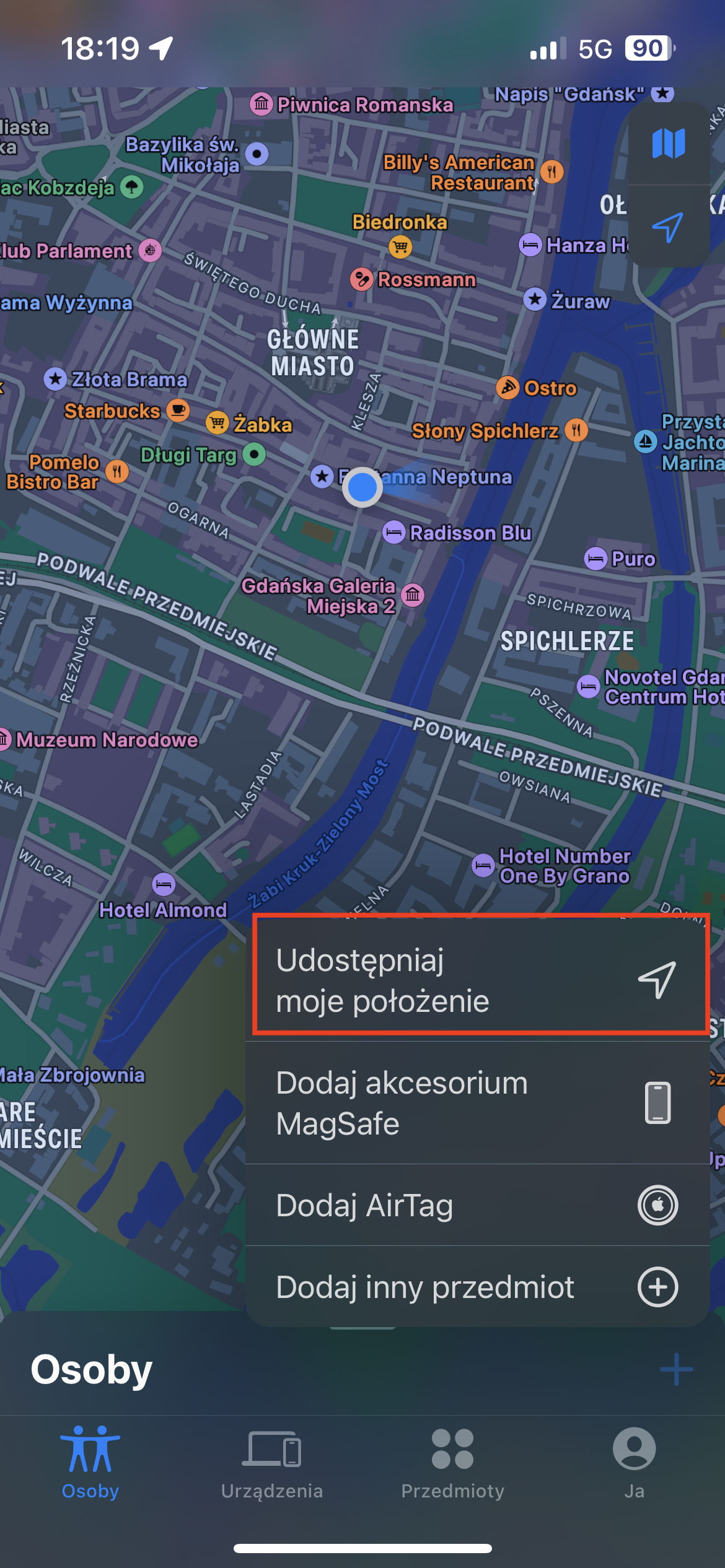
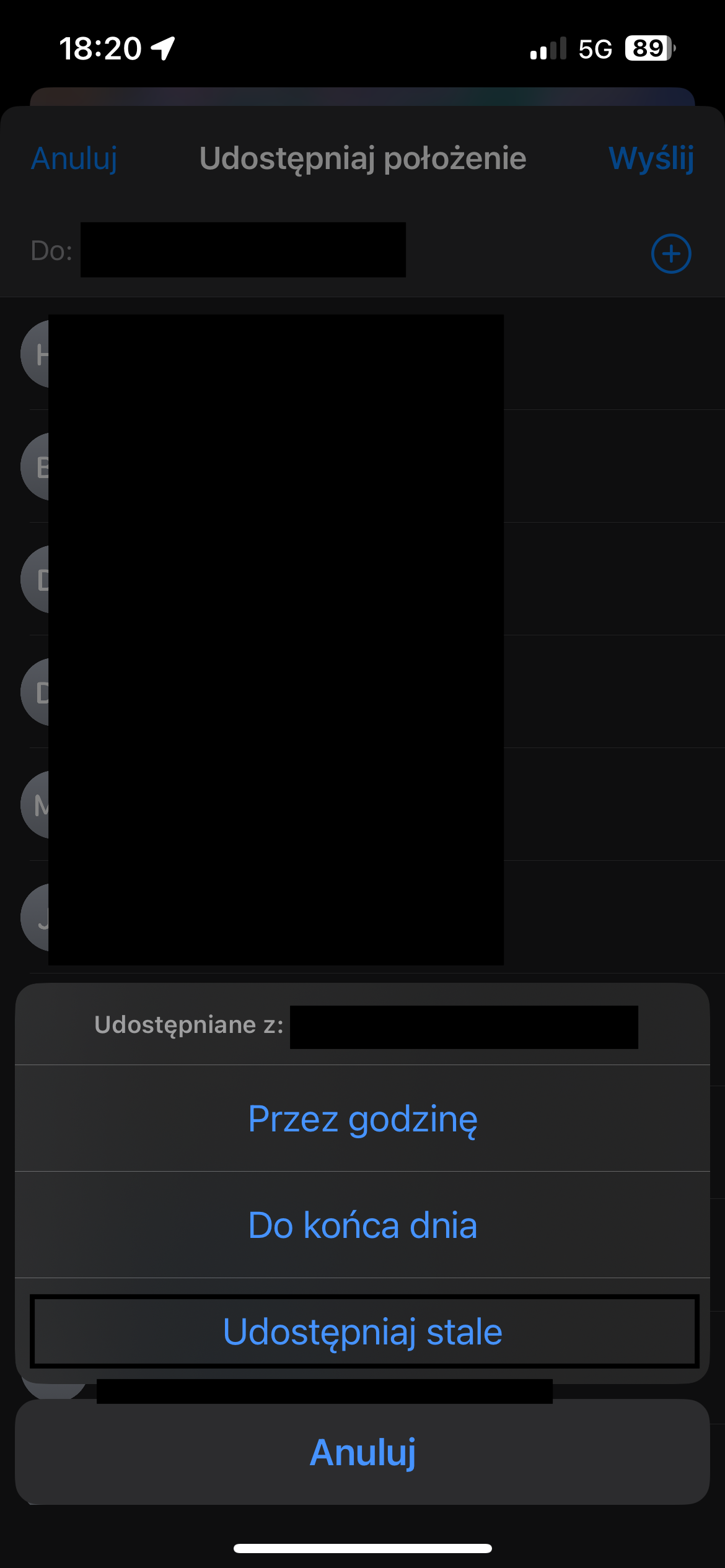
You'll find the full instructions on Apple's official website in the article Finding people and sharing your location in the Find My app.
The Google Maps app
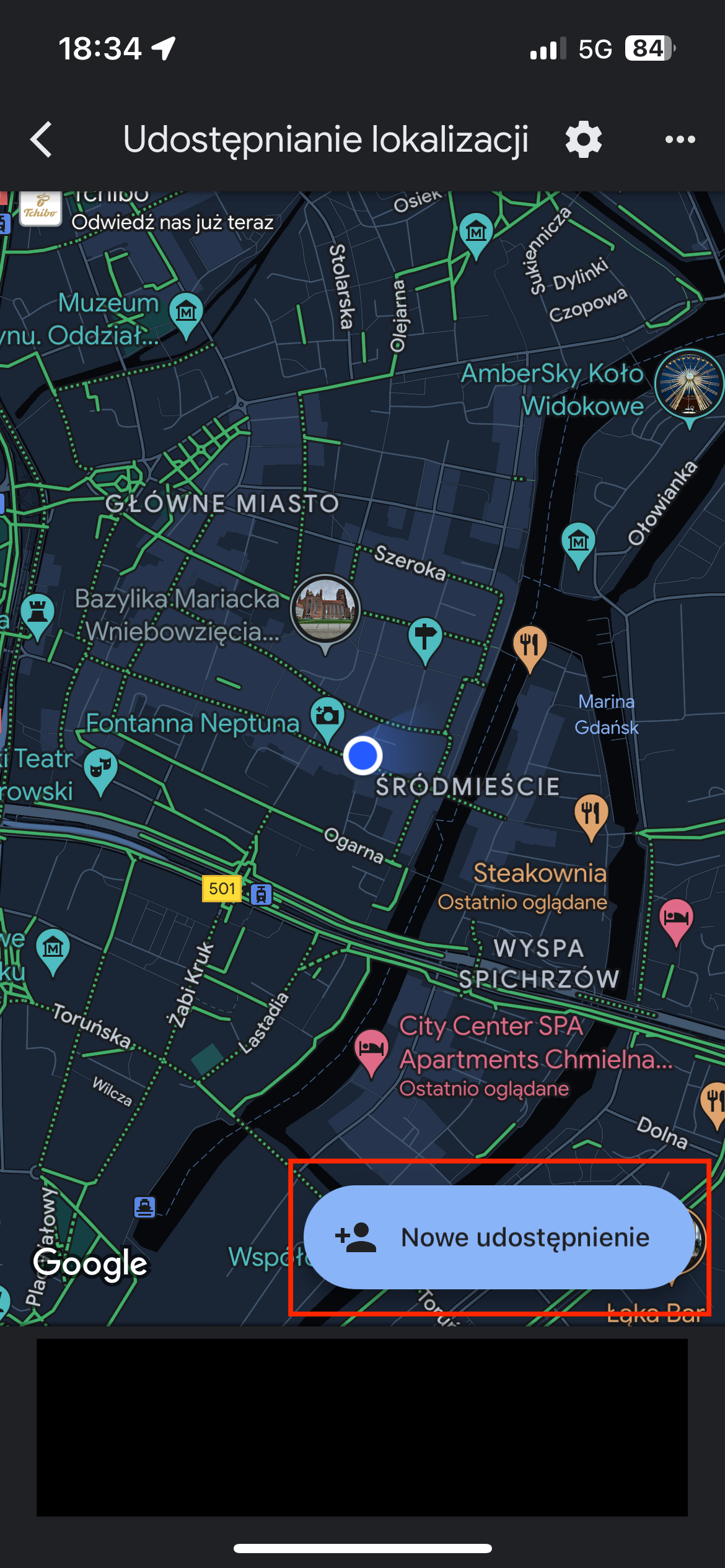
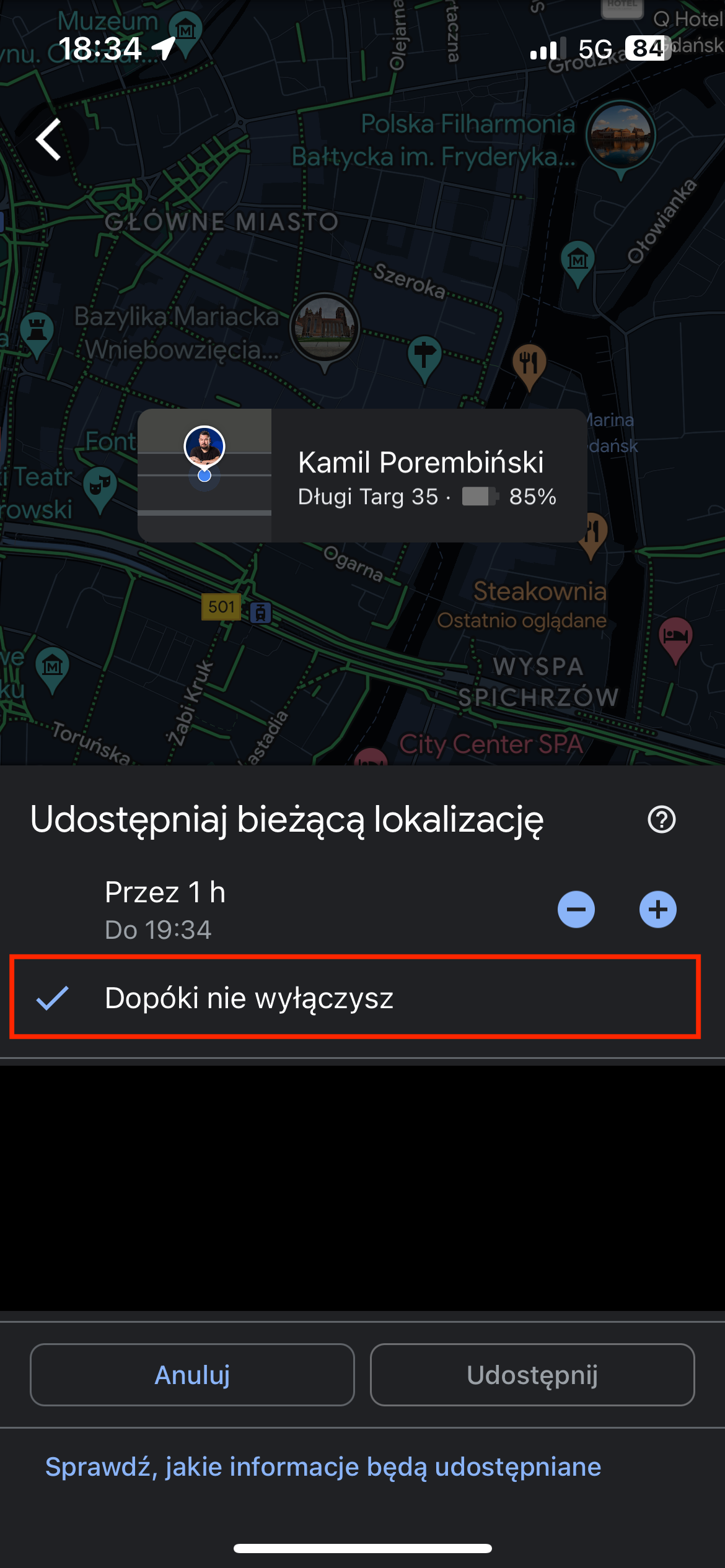
Another solution is using the Google Maps app, which also allows location sharing. As in the previous case, the phone should have constant internet access.
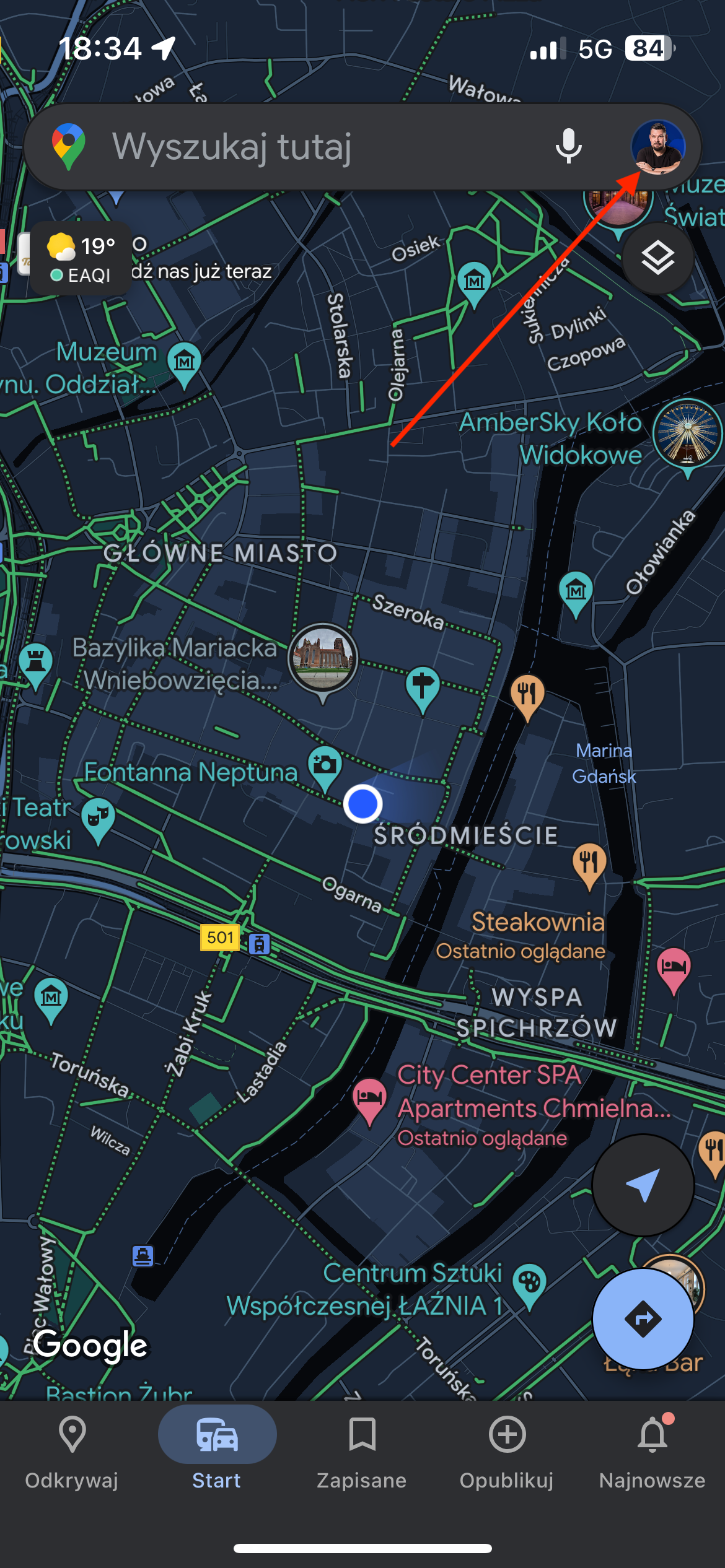
- On the phone, open the Google Maps app
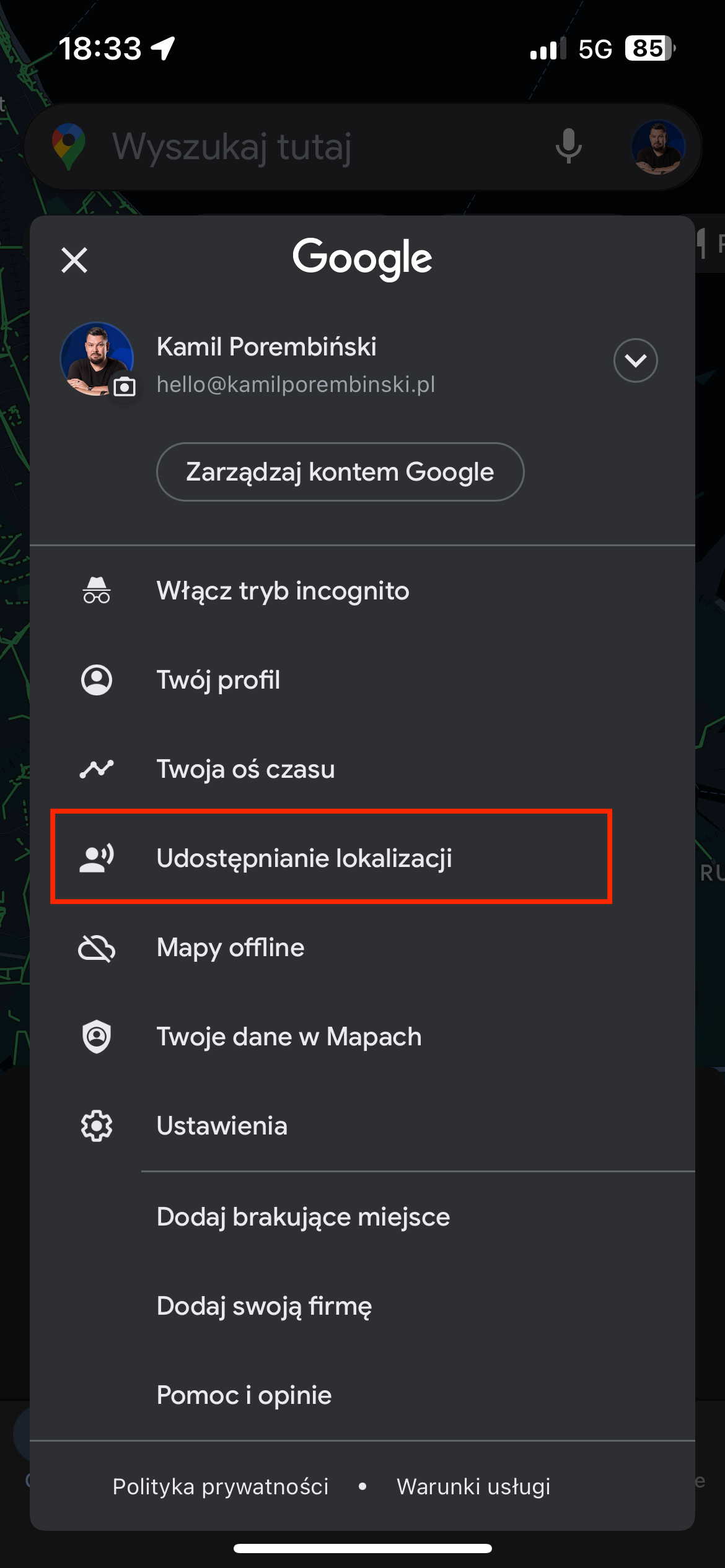
- Tap your child's profile icon
- Then choose the Location sharing option
- Click New share
- Select or add yourself and then set Until you turn this off
Android
Solutions based on the Android system can also use the Google Maps app, exactly the same as the option for iPhone described above.
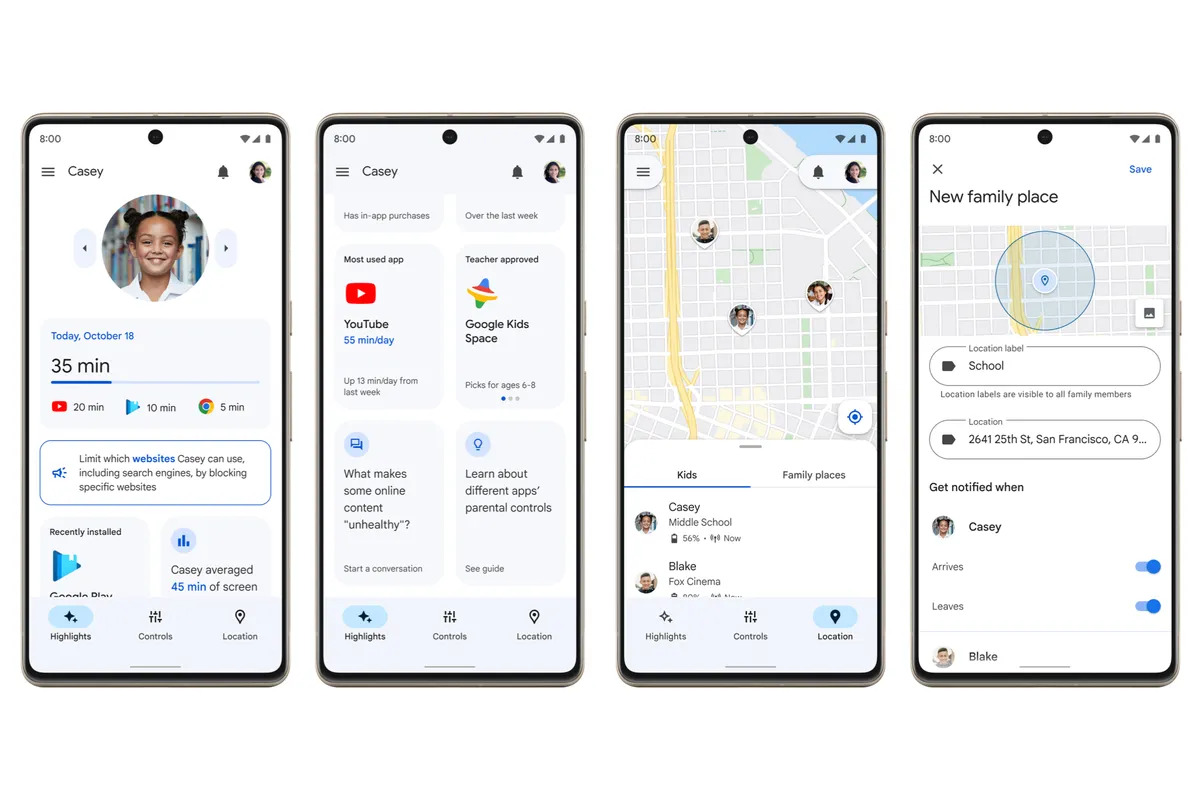
The second solution is using Google Family Link (the equivalent on iPhone could be Screen Time). Google has prepared instructions in the article Finding and managing your child's location.
Locating via a children's watch - smartwatch
For younger little ones who don't yet have phones, a good solution is special watches that have the ability to locate the device. They're a very nice solution for many reasons:
- in most cases such a watch is always on the child;
- the battery life is usually longer;
- they have the option of emergency voice contact;
- they engage children in looking at them less than a smartphone;
- they're simply more convenient than a phone left in a backpack.
Cheap children's smartwatches
There's an enormous number of devices of this kind available on the market. They're dedicated to children and the elderly. The former are colourful, have built-in games and other interesting solutions. They also tempt with their low price.
Unfortunately, the low price comes with poor quality of these solutions, despite the enormous list of features they have. Unfortunately, it may turn out that at the most crucial moment, when our child gets lost, they simply fail. Over the last 2-3 years I've been observing the solutions my friends - parents of small children - have. Devices of this kind couldn't manage to locate a child in the sandpit and showed the coordinates of a different housing estate.
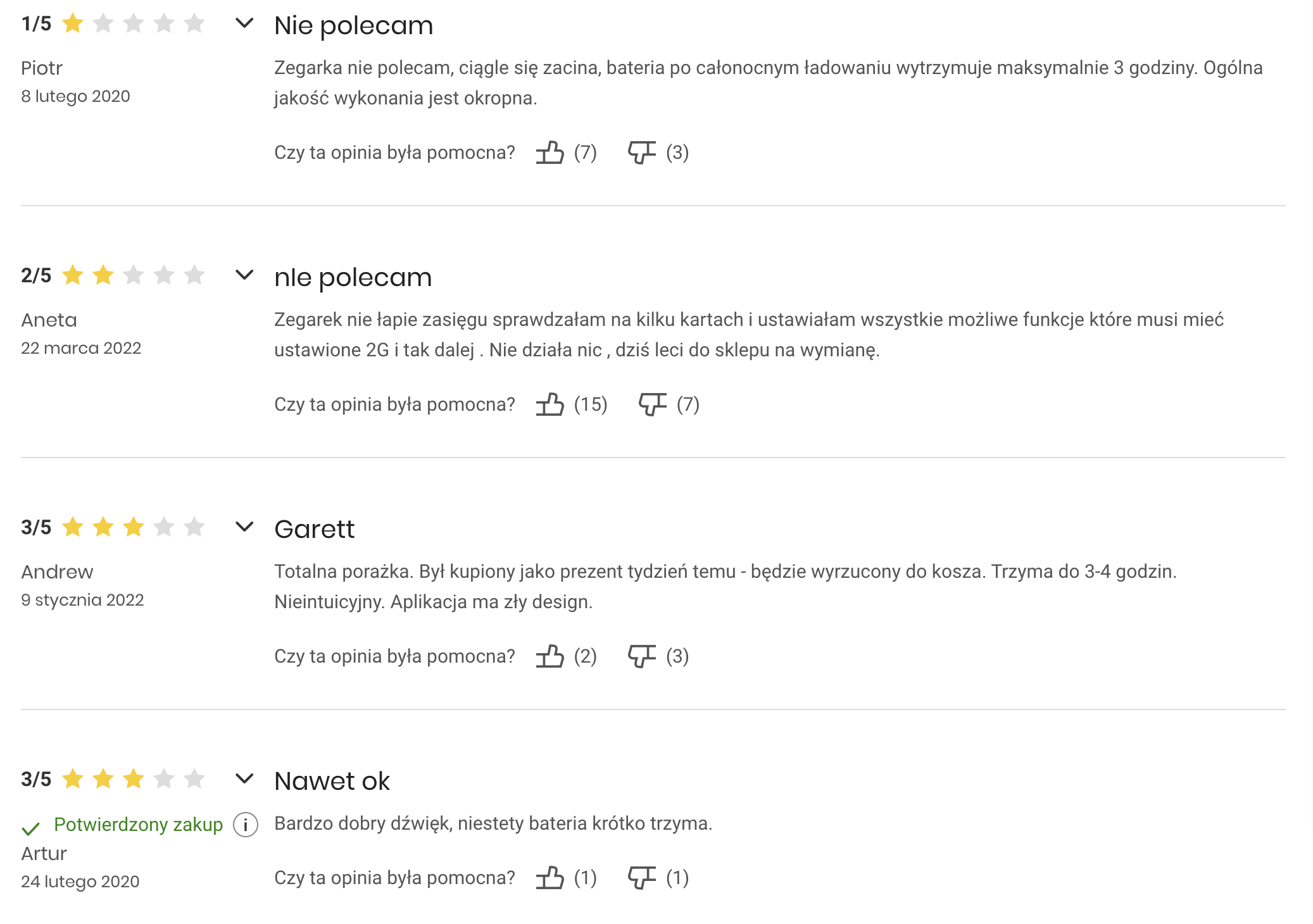
The second enormous flaw was very short battery life. Some of these devices work for up to 3 hours. I tested several such devices with friends and they were the worst choices.
Another big problem with cheap Chinese watches is security, namely the lack of it. In many devices of this kind (MiSafes, SMA-M2) and the services connected to them, many security flaws were revealed consisting of: the ability to eavesdrop on any child, see their location, the photo set in the system, the phone number assigned to the watch as well as the parent's number, etc.
Apple Watch
A solution that, in my opinion, will work significantly better is buying an Apple Watch SE GPS + Cellular 40 mm. Yes, it's a significantly more expensive solution, for which we have to additionally buy an eSIM "card". Here you should note that not every operator may have eSIM cards in their offer. A list of operators supporting such cards can be found on the page: https://www.apple.com/pl/watch/cellular/
The Apple Watch can work in two modes. In normal mode with an eSIM card or in child mode. In the latter mode it's necessary to use an eSIM card from the operator BetterRoaming.
The battery life and the features such a device offers leave other solutions in the dust.
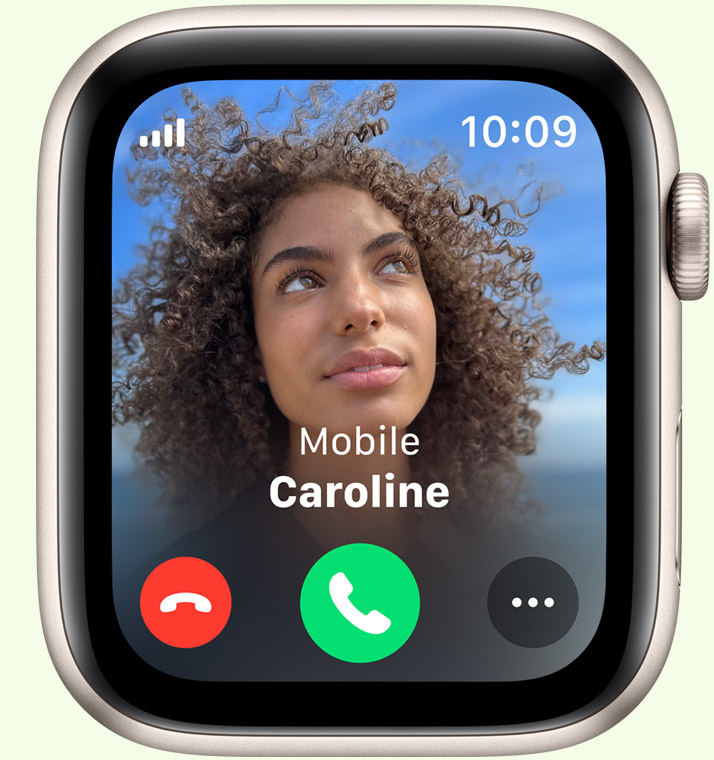
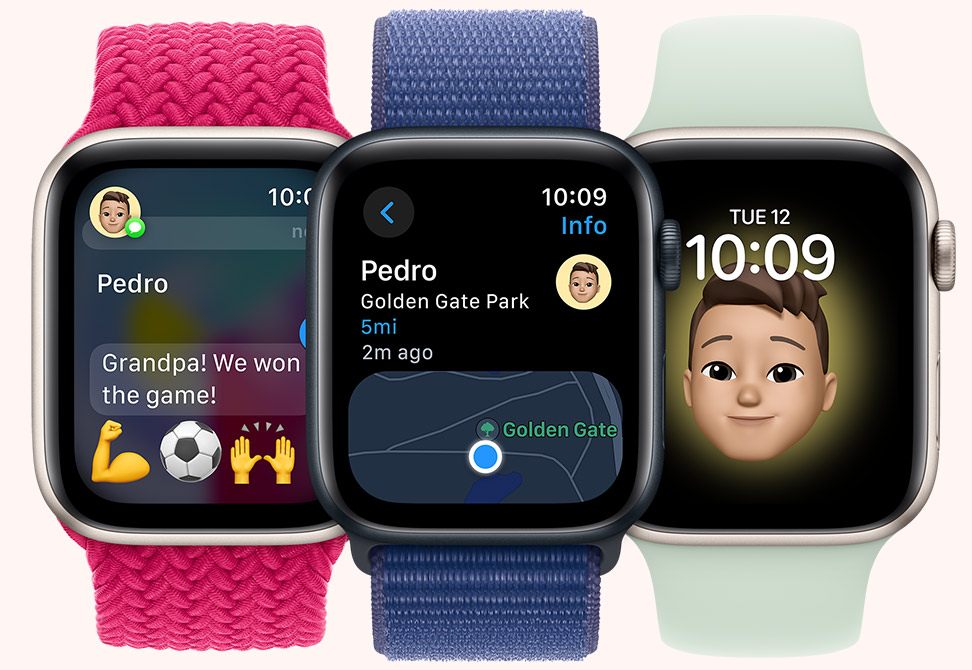
The battery life is about 2-3 days and a very fast charging process, since you can get to 100% in about an hour. Another interesting feature is, e.g., fall detection and a simple option to connect to the emergency services. The ability to call from the watch, water resistance and many other things make it one of the best solutions.
Given that it's a significantly more expensive solution, it's worth buying an additional case protecting such a watch.
Locating via tags, e.g. AirTag
One of the last or additional options for locating a child are so-called tags. Watches and phones are easier to lose, or their battery may run out. A backup plan can then be a device such as the Apple AirTag.
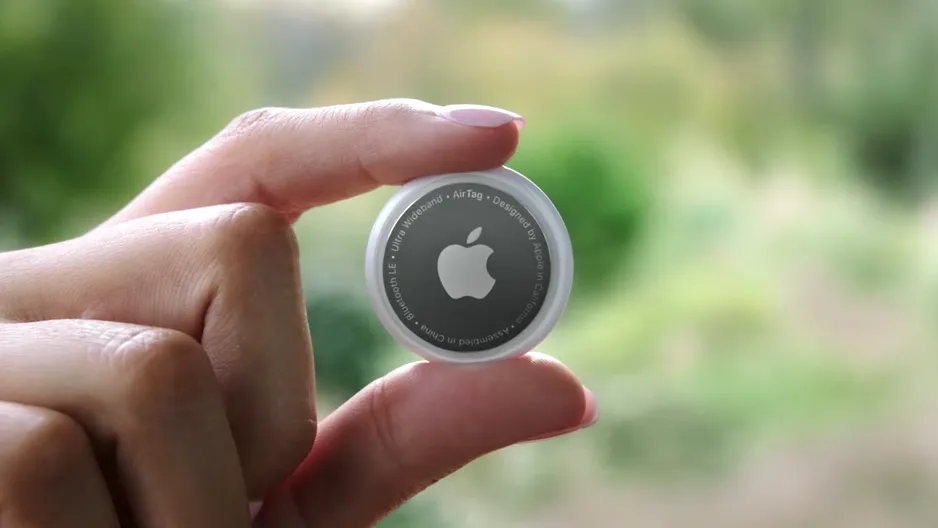
The devices work based on Bluetooth LE technology and their battery life is on average 1 year. That's why a good solution is dropping such a tag into the child's backpack, or, e.g., sewing it into a jacket, trousers or a favourite toy.
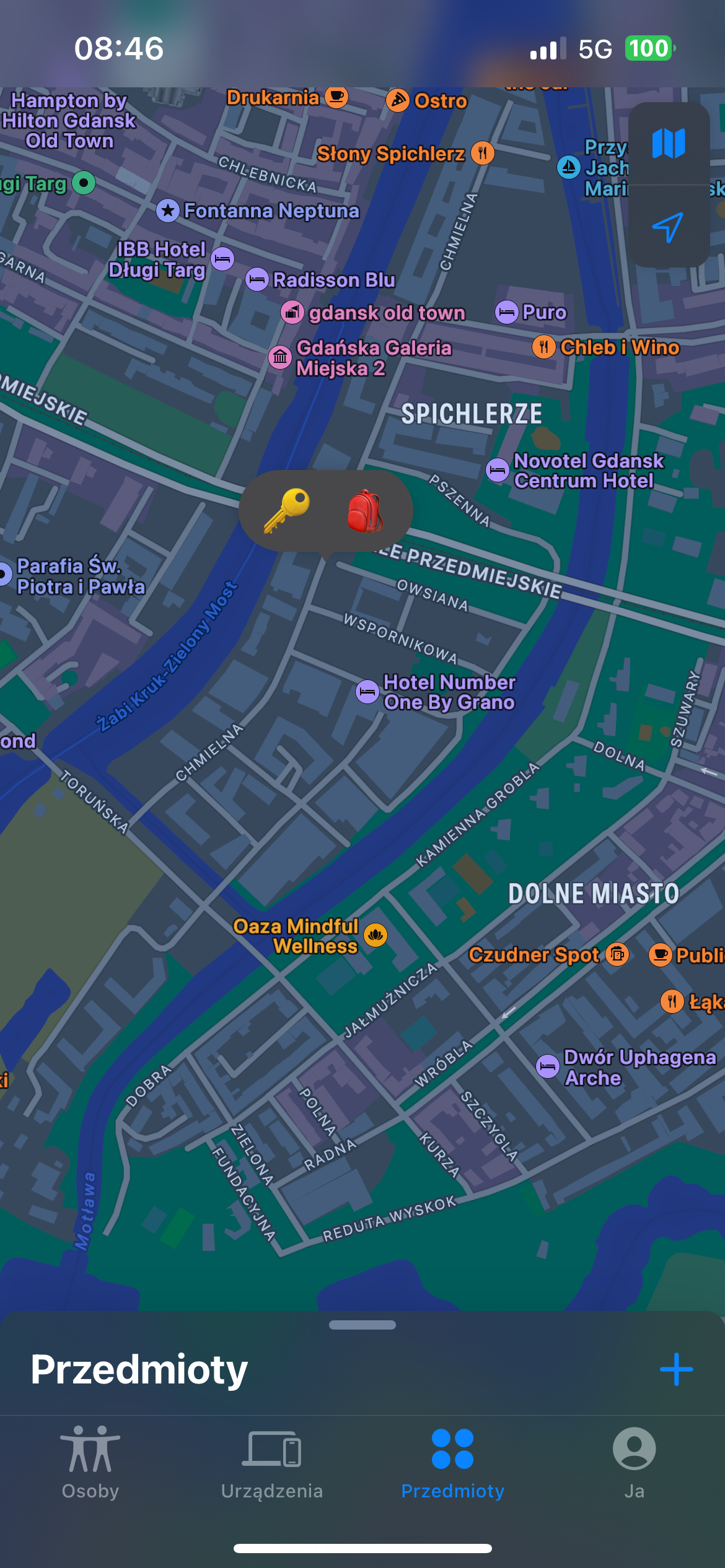
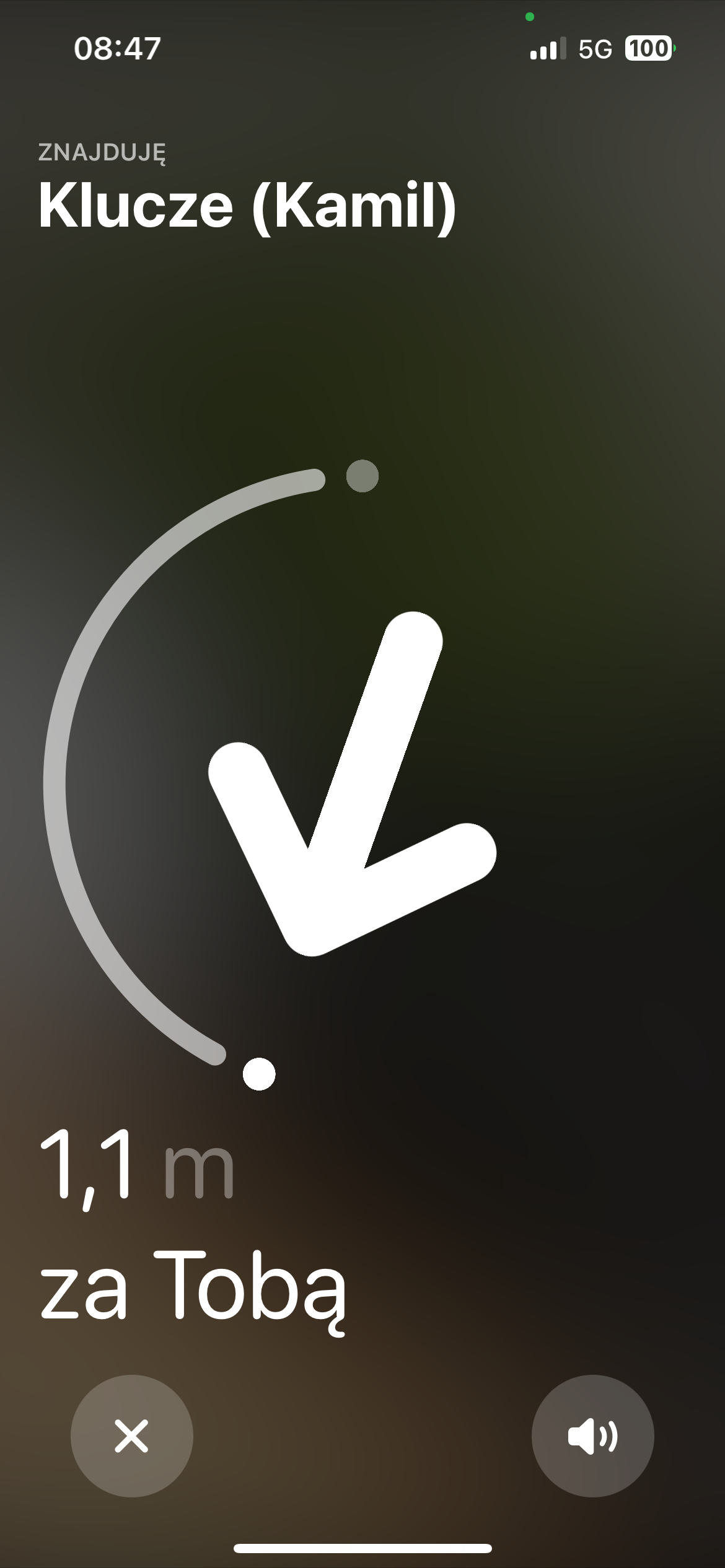
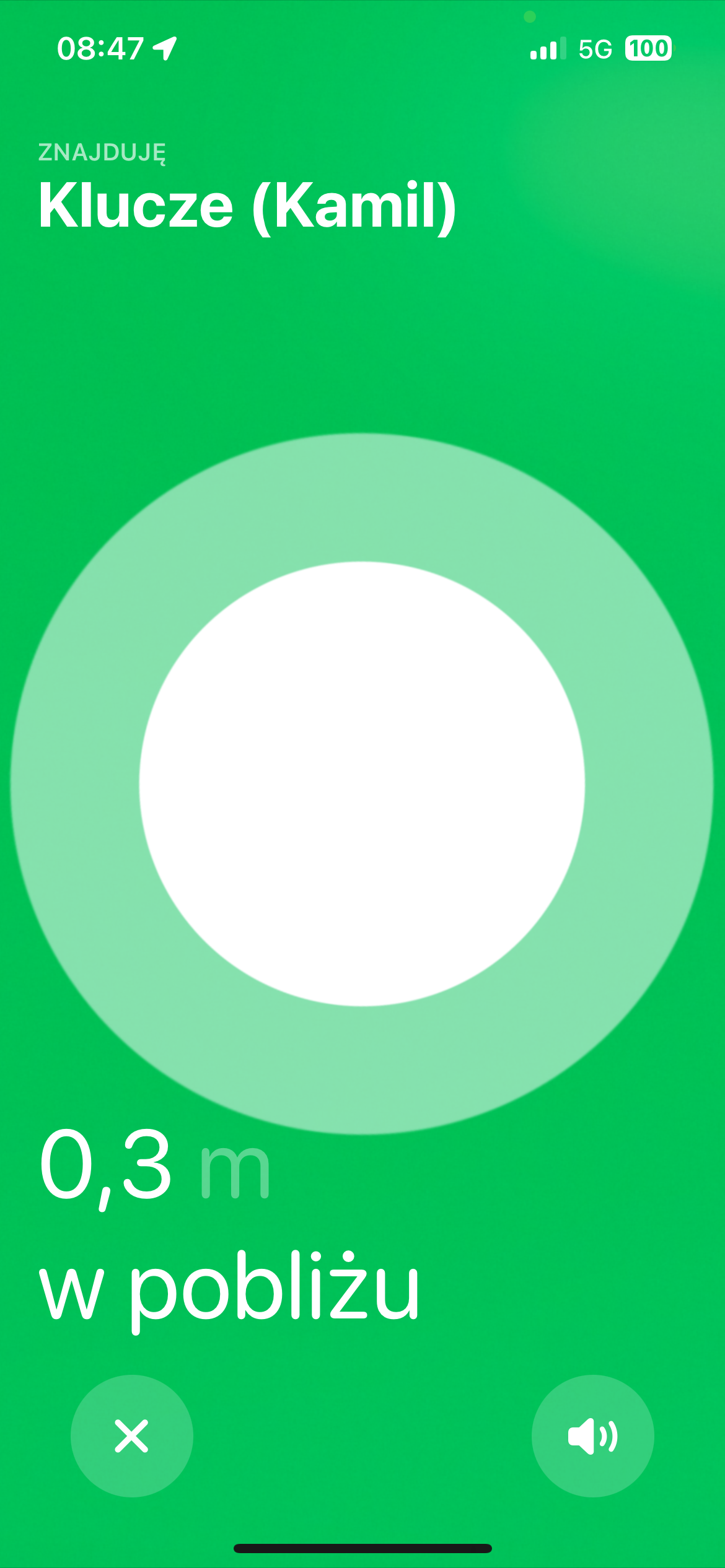
This solution, however, has its flaws and shouldn't be used as the primary one. The location isn't always very accurate or reported in real time, and that's related to the mechanism by which they work. The location of this small device is read by other iPhones that are near the device (e.g. someone walked past our child with such a phone, or drove by in a car). The other phones report the location of the "seen" nearby tag and send it to Apple's cloud, from where we retrieve the information.

Such a solution can be great if we're locating keys that have been lying in the park for a few hours, but in an emergency of a lost child - they may in themselves be insufficient.
An alternative to Apple's solution could be the Samsung Galaxy SmartTag devices.
Locating via 112
One of the more important things is teaching your child to call the emergency number 112. Technology can fail, especially when there's no internet access.
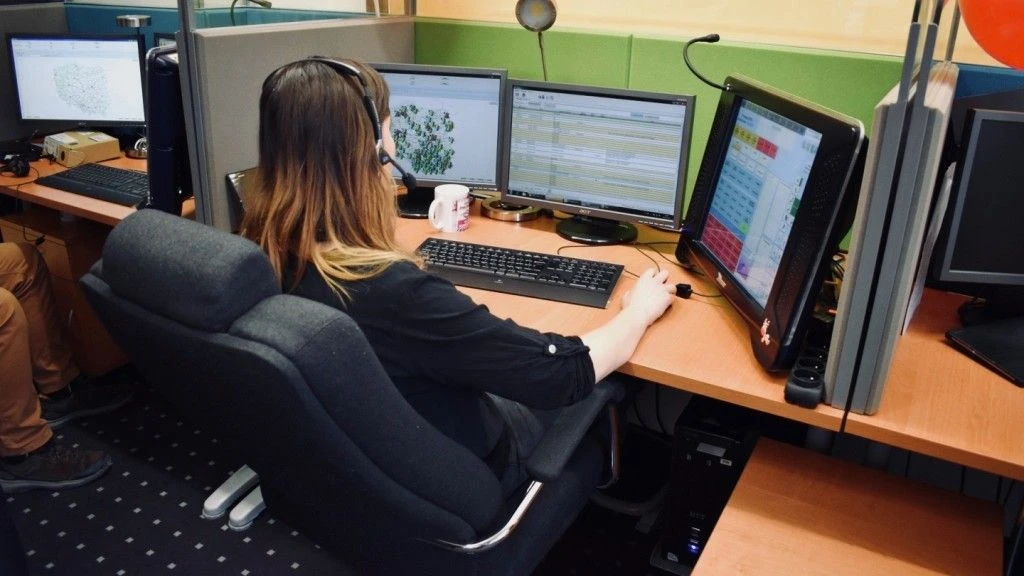
The dispatcher of the number 112 sees the location of the phone the child is calling from, even if its home network has no signal. And all this thanks to the Location and Information Platform with a Central Database (PLI CBD). It's a system introduced in Poland in December 2008, which provides that all telecommunications operators are obliged to make available data about the location of a particular device from which a call was made to 112 or another emergency number.
That's why it's important for a child to be able to call the emergency number.
Summary
As you can see, there are several ways of locating a child, and in line with good practice, it's worth implementing two different solutions that work independently, e.g. locating the phone and, e.g., an AirTag.
An important element is also passing on knowledge of how to call and talk to the services on the number 112. It's also worth reading the article: How does a smartphone help in providing First Aid?
There are also many other phone apps available online that allow you to locate a child, but it's impossible to check them all. The ones I've given are very popular programs like Google Maps and are available on practically all phones.
View related articles

IT outages happen to everyone
For the past few hours the internet messenger Slack has been down. A few weeks ago you couldn't use Google's services, and even earlier a large part of the Internet wasn't working because of an outage of Cloudflare's services. Is it possible that cloud services are unavailable?
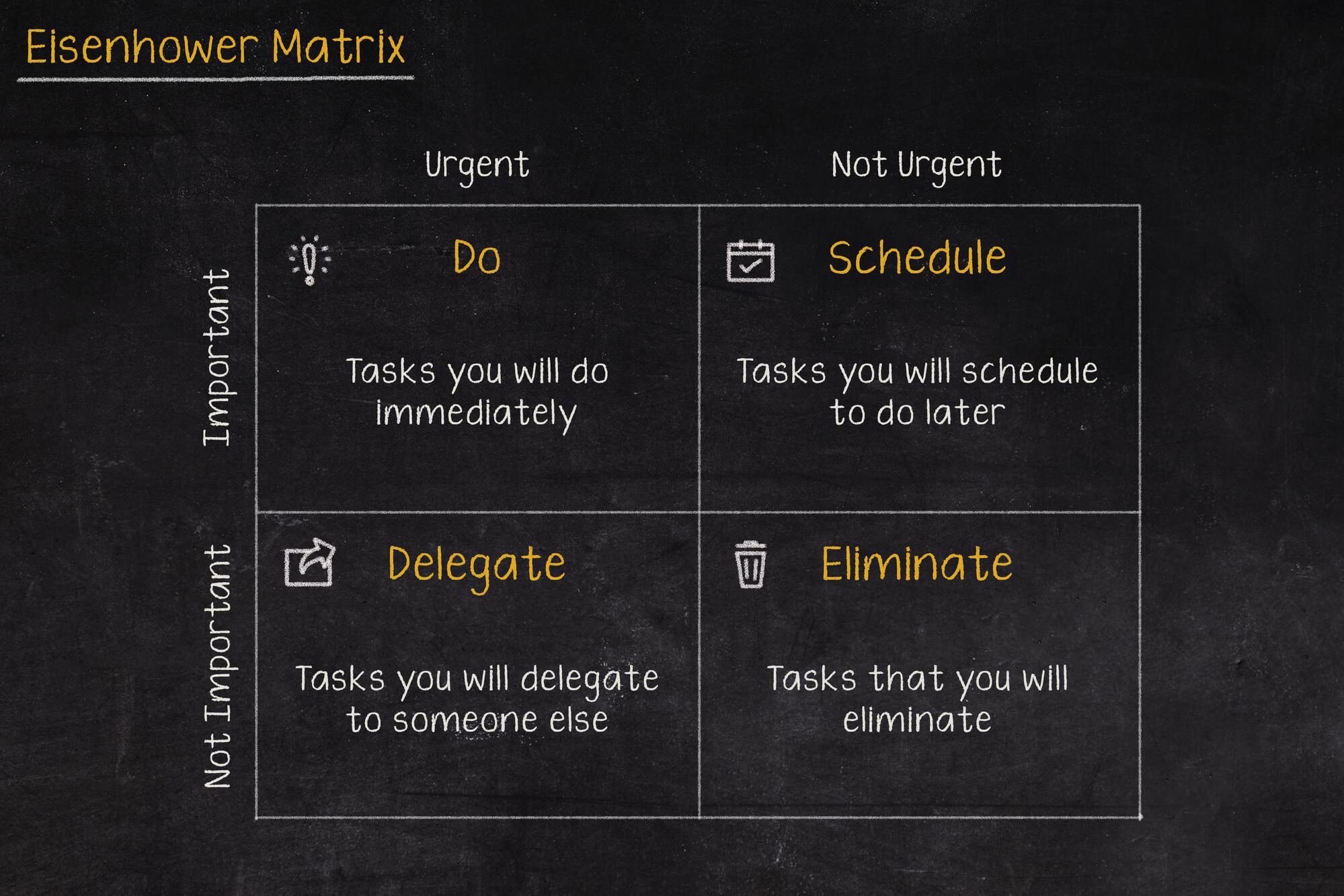
The Eisenhower Matrix, or how to take control of priorities
Go on a break, or maybe reply to that email, or pick up the phone from your boss? In what order should you tackle these tasks so as not to lose control and fall into helplessness? The solution to these problems may be the Eisenhower Matrix (also called the Eisenhower Box or Eisenhower Square).

Should the RCB Alert inform about the presidential elections?
Communication in an emergency is one of the more important topics covered during sailing, flying or diving. Warnings can save lives, which is why they shouldn't be treated lightly, and even more so shouldn't, by their wording, lead to their being ignored.