Do you have a backup of your business?

The massive fire in the OVH server room caused enormous confusion not only in the IT world, but also in a large part of the Polish internet. Even greater panic struck all the OVH clients who run their business online and had only heard about backups on the morning radio show or had their grandma tell them about it as a bedtime story.
Sign up for the newsletter so you don't miss updates to this post.
Table of contents
How often do server rooms burn down?
The jokers say that events of this kind appear on average every 4 years. The last serious outage at OVH occurred in 2017, when the backbone network was damaged and there was a loss of power in the data centre in Strasbourg. Services such as wirtualnemedia.pl, jakdojade.pl, pkp.pl, joemonster.org, kwejk.pl, niezalezna.pl weren't working at the time.
In 2021 that exact same server room was destroyed by a fire. Many servers were damaged, as were the arrays with backups, and the neighbouring buildings were cut off from power for safety reasons.
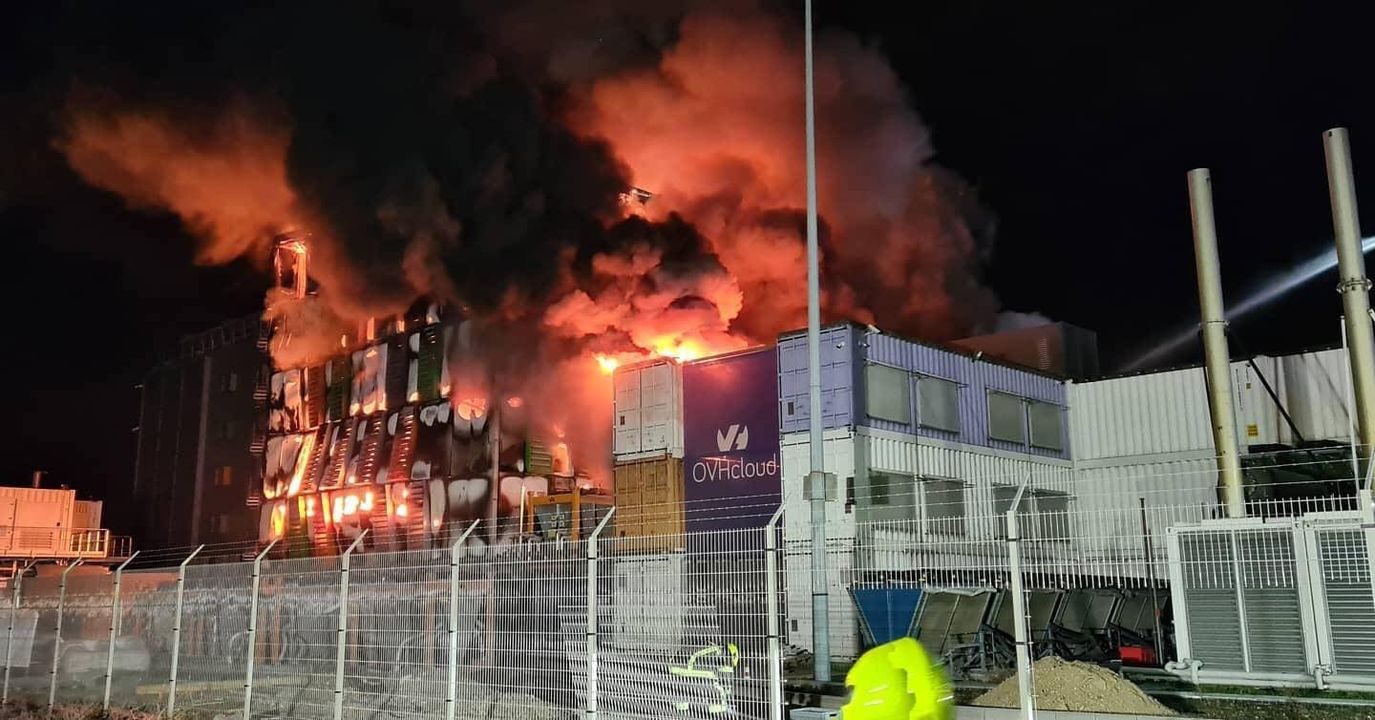
The incident at OVH is something really unheard of, which is why you shouldn't panic. Data centres are protected by special systems whose job is to smother a fire before it spreads. After a fire is detected in a server chamber, special gases are released into the room in order to reduce the oxygen content in the air from 21% by volume to about 11% by volume. This prevents the fire from spreading.
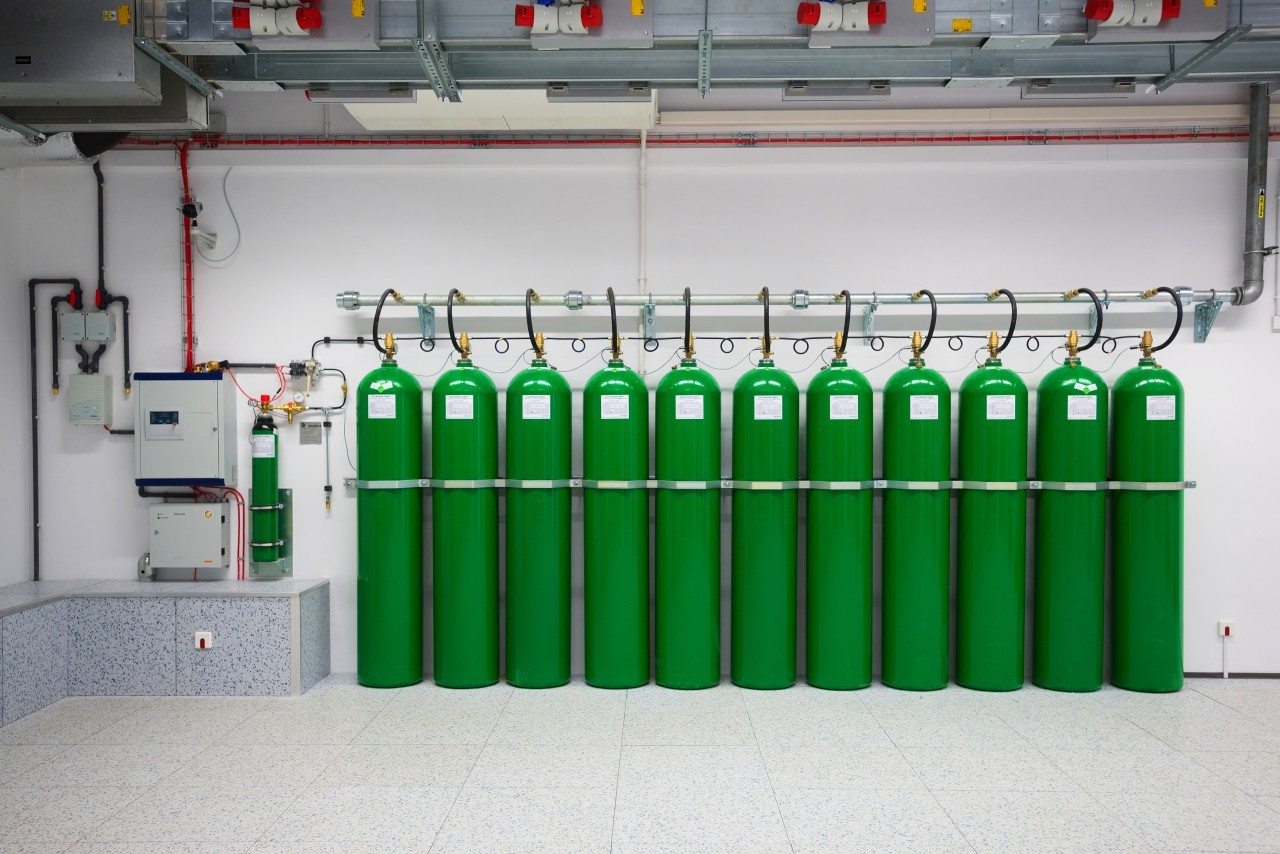
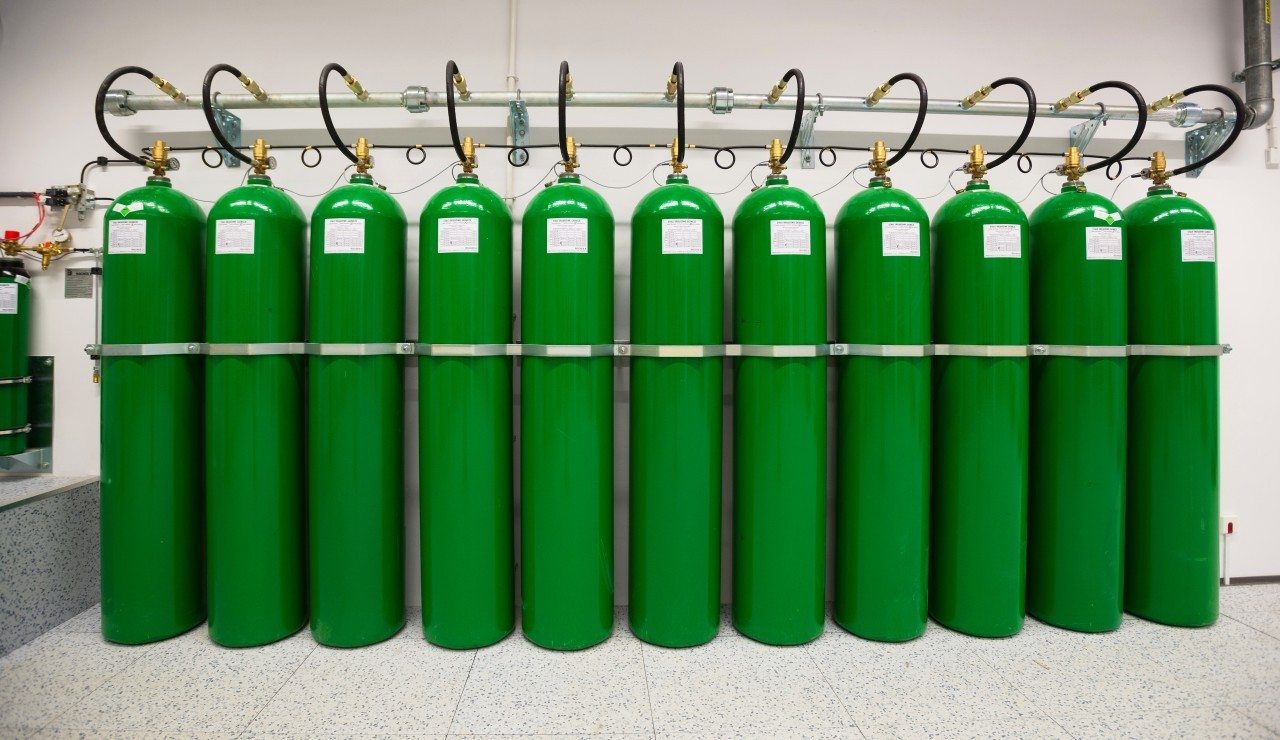


As an extinguishing agent, gas mixtures such as INERGEN (IG-541), carbon dioxide, FM-200 or NOVEC-1230 are used. INERGEN is a modern solution composed of nitrogen, argon and carbon dioxide. Released into a burning server room, it lowers the oxygen level, so that the fire goes out while at the same time allowing the technicians present there to breathe.
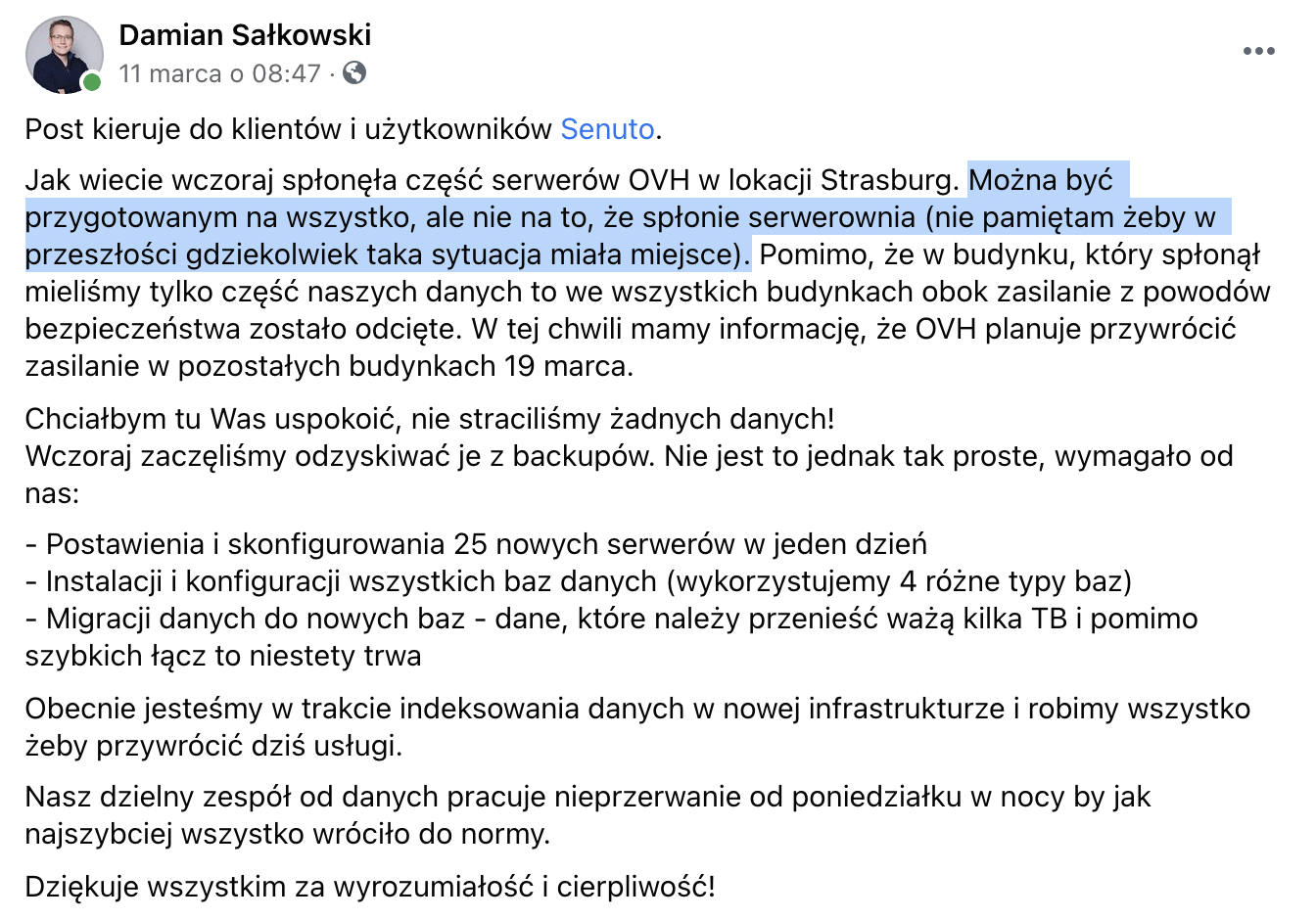
A fire like the one at the OVH data centre is really something that doesn't happen often and was hard to foresee, especially since it also affected the situation in supposedly independent buildings.
Which data should you back up?
We divide data into that which we secure with a backup and that which is unimportant. That's one way we can approach this question. Data we don't care about - we don't copy. While we remember (or someone remembers for us) to back up our website, we already forget about a lot of other data. And yet it should be important to us!
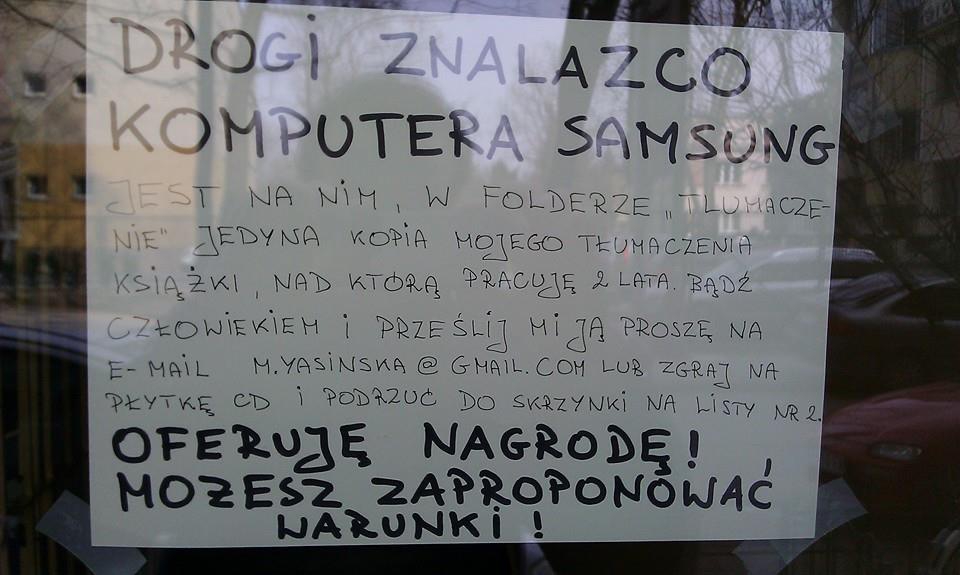
What's worth backing up:
- the data file with passwords, if we store them in a special program,
- accounting documents, if we use online accounting systems,
- the list of bookmarks in the browser,
- data we use in SaaS-type systems,
- the settings of the system, applications and software we use,
- procedures, checklists, documentation and the to-do list,
- what we have on the computer,
- ... and basically everything we care about.
How often should you make backups?
As often as it's required and worthwhile. Imagine you have an online shop whose backup you make once a day at around midnight. During the day, customers place an average of 4 orders in your shop. The database was corrupted towards the end of the day.

When you restore the shop's state from the backup, it will be missing a whole working day. In the case of 4 orders a day this shouldn't be a problem at all. We can check, e.g. in the sent emails, what orders were placed and add them to the system manually. An analogous problem could be observed in the BaseLinker system:
ATTENTION - the system's state from Tuesday at 1 a.m. has been restored. Throughout Tuesday the system worked normally, however the parcels and invoices from that period are not in the current version of the system. Orders from Tuesday will be downloaded again as new. You must be careful not to process Tuesday's orders again! Access to them will only be possible after OVH restores the entire system. We recommend setting up new numbering series for invoices and receipts, so that there's no conflict with the numbers issued on Tuesday.
It's a different matter when we have thousands of such orders. Adding them manually will already be problematic. In such a case it's worth making a backup more often than once a day or using other mechanisms such as database replication. Then we have data copied, to a certain extent, live to another server.
The frequency of making backups and how many of them we'll keep will entail higher server infrastructure costs. If our database takes up 100 MB, and we make a backup every hour and want to keep copies from the last 7 days, then we need 100 × 24 × 7 = 16.8 GB of disk space for the copies.
The 3-2-1 rule
Important rules, recipes or procedures have their own numbers in life. Just as the recipe for moonshine has its 1410 (1 kg of sugar, 4 litres of water, 10 dag of yeast), backups have 3-2-1. Remember this sequence of numbers, because it tells you to:
- Have at least three copies of the data...
- ...which are saved on two different kinds of media...
- ...of which a minimum of one is in a separate location.
This rule was devised and popularised by photographer Peter Krogh, who believed that sooner or later the disk with the backup of his photos would fail. What exactly do these numbers mean?
If we store data important to us on a hard drive whose failure happens once every 10 months, and we keep the backup on the same kind of device, then the probability of both devices failing is:
1/10 × 1/10 = 1/100
However, if we have two copies on identical disks, then the probability of all three failing equals 1/1000.
Since having a large number of backups greatly reduces the risk of losing all of them, where does the requirement to make them on different media come from?
Devices of the same type can have the same factory defects and be susceptible to the same kinds of damage. That's why it's worth keeping one copy, e.g. on a hard drive, and another on magnetic tape. In the event of the server room being flooded with water, tapes have a much greater chance of preserving the data than a hard drive.
And here the last number appears, that is, a minimum of one separate location. In the event of the server room flooding, or a fire occurring, we have a safe backup in a completely different location. One in the mountains and another by the sea.
The 3-2-1 formula extends with the number 0, that is 3-2-1-0, where the last number means zero problems with recovering data from the backup.
I made a backup. Now what?
As the old saying goes: People are divided into those who make backups and those who are going to make them. If you already have a backup, you're only halfway to securing your data. Now it's time for a rollback!
Well, every time you only copied the first 1000 emails and the copying process broke off without showing an error. The incomplete file downloaded correctly.
When things like this come out during an outage, we can consider that you don't have a backup and all the time spent copying data was lost. The same things happen to users of WordPress backup plugins. Often the files they generate don't contain all the data required to recover the site, or are simply corrupted.
Disaster recovery plan
Disaster recovery is a set of policies, documents and procedures that will help return to normal operation after an incident occurs. From a practical point of view, this should be a document in which we describe the procedures we should apply in the event of losing access to data.

It's worth recording in such a document where we keep backups, how we recover data from them, and where we'll launch backup services in the event of losing access to the current ones, for example:
- In the event of a mailing system outage lasting up to two hours:
- We take no action, apart from monitoring the status of the service.
- In the event of a mailing system outage lasting longer than 2 hours:
- We set up an account in another mailing system (or already have one),
- we import the subscriber list from the latest backup, which we keep in Dropbox,
- we update the newsletter registration forms to the new system.
- If the outage ends within 24 hours then:
- We export all subscribers from the backup mailing system,
- we import them into the previous system,
- we undo the changes in the registration forms.
- If the outage didn't end within 24 hours:
- We permanently switch to the new mailing system,
- we recreate the mailing automation in the new system using the procedure and requirements recorded in the document.
For every system, business or person such a plan will look completely different. The important thing is to include in it information along the lines of: "what will we do if this happens". Of course, as the business grows, new services are added or the importance of data changes, such a document should be updated, so that in the event of a serious incident it's a tool that will help restore the operational capability of our services.
An example of BaseLinker's approach to Disaster Recovery — the company suffered from the incident at OVH.
Most of our servers are in blocks that weren't damaged, however they're currently unavailable.
We're waiting for OVH to bring these blocks back online, while at the same time, just in case, we're working on launching the system in another server room on the basis of a backup, which is kept in Poland.
I keep my data in the cloud. Do I have to make backups?
Yes. Unless you don't care about your data or you're able to recreate it. You have to remember that cloud services are still some servers in some server rooms. And as we already know, those can burn down.
Have you thought about making a backup of a mailing system like Mailerlie or Mailchimp? And how often do you download backups of invoices from wfirma.pl, fakturownia.pl and others? Do your notes in Notion or maybe Evernote have a backup? Documents in the cloud, mail somewhere on some server?
And now imagine that these services run on a single server provider that, for some reason, stops working. It could be as a result of a terrorist attack on the server building, a fire or maybe a flood? In 2010 Onet battled a flood in its data centre:
We decided to shut down the core disk arrays and servers, because a sudden loss of power could lead to damage to the data or to the devices themselves. (…) Meanwhile the water level around the data centre rose to the point where it was cut off from the world along with the entire team working there. In this situation the devices took a back seat and the problem became the evacuation of people from the flooded building.
Services like AWS S3 also don't provide 100% availability and durability of the data stored there. Even though they ensure a high level of security, you have to remember that data isn't eternal.
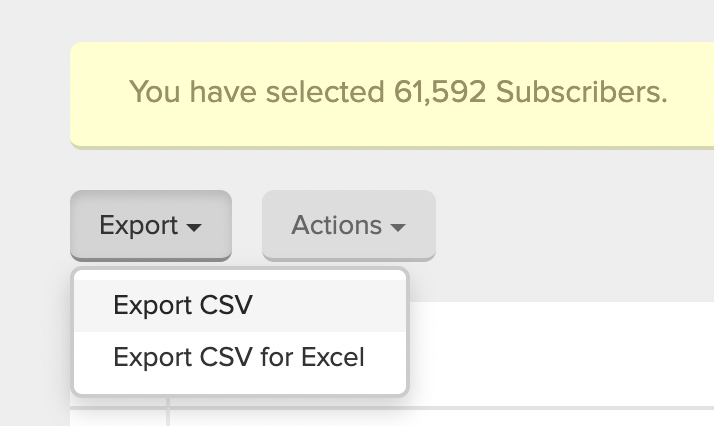
Many SaaS services have functions for exporting data to popular file formats. For example, in Mailerlite we can export the subscriber list to CSV format. A file prepared this way we can save to the computer's disk or to another cloud service. Such an operation can be performed once in a while, so that in the event of a serious outage we'll have our own copy of the data we care about. Unfortunately, not every service allows such an operation. In that case it's worth thinking about another method of archiving the data we send to it, e.g. making a copy before we save it in the SaaS.
Is it worth encrypting backups?
Yes! Remember that a properly made backup is kept in a different location than the data it's made from. It could be an external disk, a flash drive or another server. In the event of the equipment with the backup being stolen or the server being broken into, the attacker will have access to your data. When it's encrypted, such access will be hindered or impossible.
Also remember that the GDPR imposes on you the obligation to implement appropriate technical and organisational measures, ensuring the security of the processed data to a degree corresponding to the risk of its breach. One of these steps is precisely encrypting data.
Summary
Make backups!
Test them!
Data loss is a matter of time. It can be caused by a system failure, a malware infection, a cybercriminal attack, plain human error or various kinds of catastrophes.
View related articles

IT outages happen to everyone
For the past few hours the internet messenger Slack has been down. A few weeks ago you couldn't use Google's services, and even earlier a large part of the Internet wasn't working because of an outage of Cloudflare's services. Is it possible that cloud services are unavailable?
The Eisenhower Matrix, or how to take control of priorities
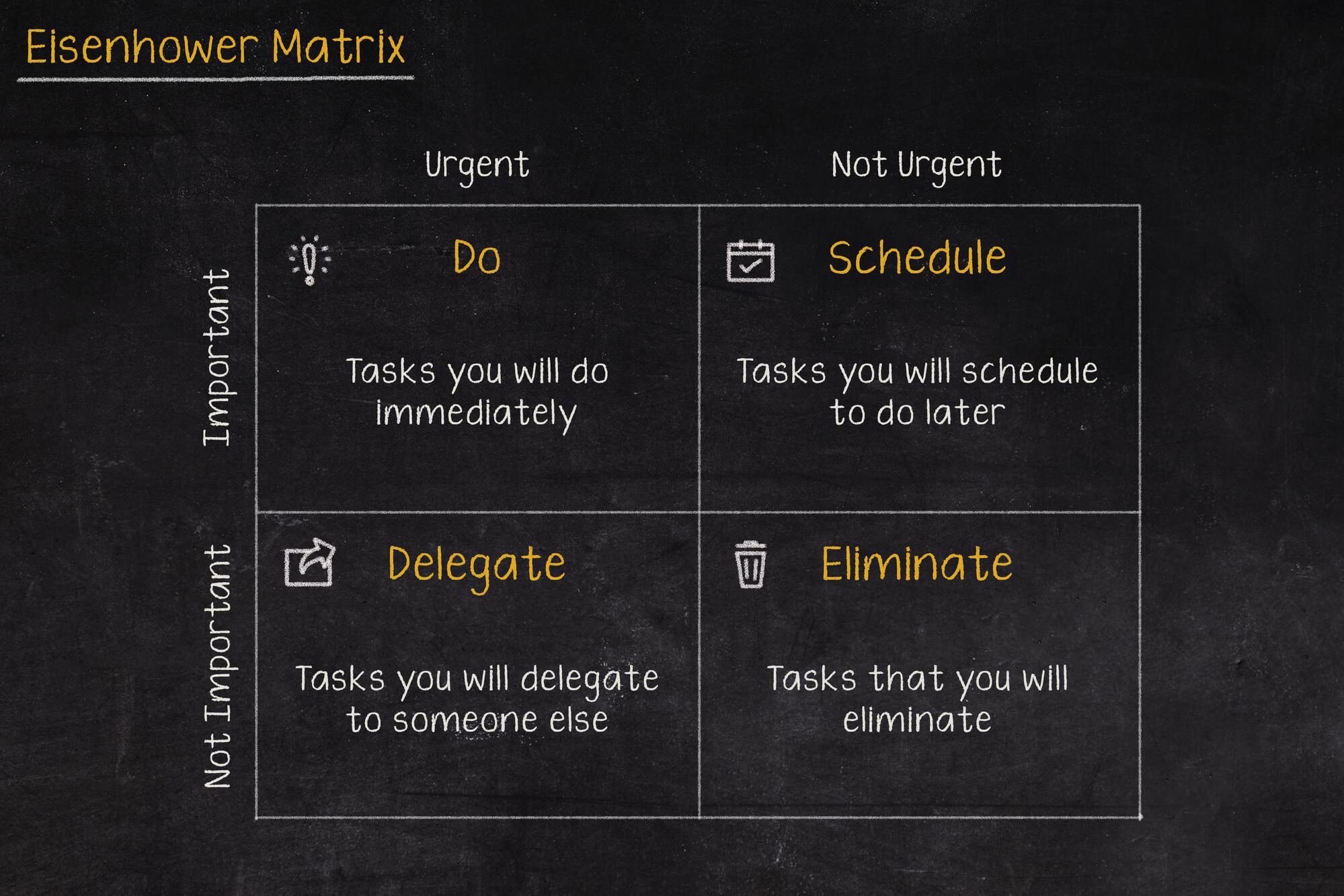
Go on a break, or maybe reply to that email, or pick up the phone from your boss? In what order should you tackle these tasks so as not to lose control and fall into helplessness? The solution to these problems may be the Eisenhower Matrix (also called the Eisenhower Box or Eisenhower Square).

Should the RCB Alert inform about the presidential elections?
Communication in an emergency is one of the more important topics covered during sailing, flying or diving. Warnings can save lives, which is why they shouldn't be treated lightly, and even more so shouldn't, by their wording, lead to their being ignored.