How do procedures and checklists make work easier?

Procedures, checklists and writing down tasks accompany me at every step: from work and hobbies to various duties. These three amazing tools make the day have more hours, mean that boring, repetitive things started being done by automated processes, and made delegating tasks simpler.
Table of contents
What is a procedure, a checklist and a to-do list?
At the very beginning it's worth defining these concepts, which I'll be using throughout this article.
Procedure
A procedure is an established way of carrying out a certain activity, of conducting a process — a description of the steps that need to be taken to achieve the intended goals. More simply? A procedure is, for example, a recipe for a cake:
- sift the flour onto the worktop,
- mix it with sugar, butter and egg,
- add milk,
- knead until you get a uniform mass,
- put it into an oven preheated to 180 degrees for 10 minutes.
The purpose of procedures is to describe a repeatable process so that you can carry it out faster, more accurately and make fewer mistakes while doing it.
Checklist
A checklist, that is, a control list, is a set of points that need to be checked or completed so that a given procedure can be carried out correctly. Referring to the cake recipe, the checklist will look as follows:
- Check whether you have flour, eggs, sugar, etc.,
- A worktop, a working oven, a cake tin,
- Electricity in the flat for the next 30 minutes ;).
The purpose of checklists is to verify that a given procedure has been carried out correctly, to assess the degree of its completion, or to check whether we have all the elements to start it.
A checklist is a powerful tool, and its effectiveness depends on its complexity. A more accurate and detailed one increases effectiveness, at the cost of the time spent preparing it.
To-do list
A to-do list is a list of tasks we should complete within a given time. It's precisely here that all sorts of tasks land, such as: pay the bills before the end of the month, bake a cake for Children's Day (we already have a procedure and a control checklist for that).
The purpose of to-do lists is to organise tasks, give them priority and simply remember to complete them.
If you work alone, do you need all this?
Running a company on your own, you have many things on your head related to bureaucracy, law and taxes. At the end of the day it turns out there's no time to deal with what actually brings you profit in the company. So where are you supposed to find time for procedures on top of that? After all, it's a solution for big corporations, not for one person or a small team.
That's a mistake. In most cases, work consists of reproducing a certain process cyclically. Whether it's replying to an email with an offer or assembling a table from planks. To work more effectively, more efficiently and make fewer mistakes, you should use these three tools.
Human memory is unreliable, and amid the flood of daily duties you can forget about many things. One time you won't tighten the table leg, two you won't attach the offer to the email, three you'll forget about the deadline for completing a commission.
How to create and maintain procedures and checklists?
When I talk to small companies or freelancers, I very often hear that "we don't have time to write all this down". And that's true if we think about a revolutionary approach to changes that consists of dropping everything and writing down procedures. That requires dedicating several days or even weeks to accomplish it.
But you can do it better, in an evolutionary way. It's enough to spend a few minutes a day creating procedures to reach the intended goal after some time.
What works for me is writing everything down on the fly. When I sit down to any task, I write down the steps I take. At first it looks roughly like this:
- Go to Mailerlite
- Set up a new campaign
- Click send
Over time, performing this activity once in a while, my procedure for sending a mailing becomes more and more precise. More detailed descriptions appear, along with links that make navigation to a specific place easier, etc.:
- Log in to Mailerlite. The passwords for the service are in BitWarden.
- Click the Create campaign button
- Fill in the Subject field, entering the name variable and then the title,
- In the Who is it from? field, enter your name or company name
- ...
The mailing-sending procedure will, over time, become more and more precise and accurate. Every time you want to send a mailing, or perform a given activity, you reach for the appropriate procedure. Do it point by point. When something doesn't add up, has changed or needs clarification, fix it right away.
This way procedures create themselves practically on their own and are kept up to date on an ongoing basis.
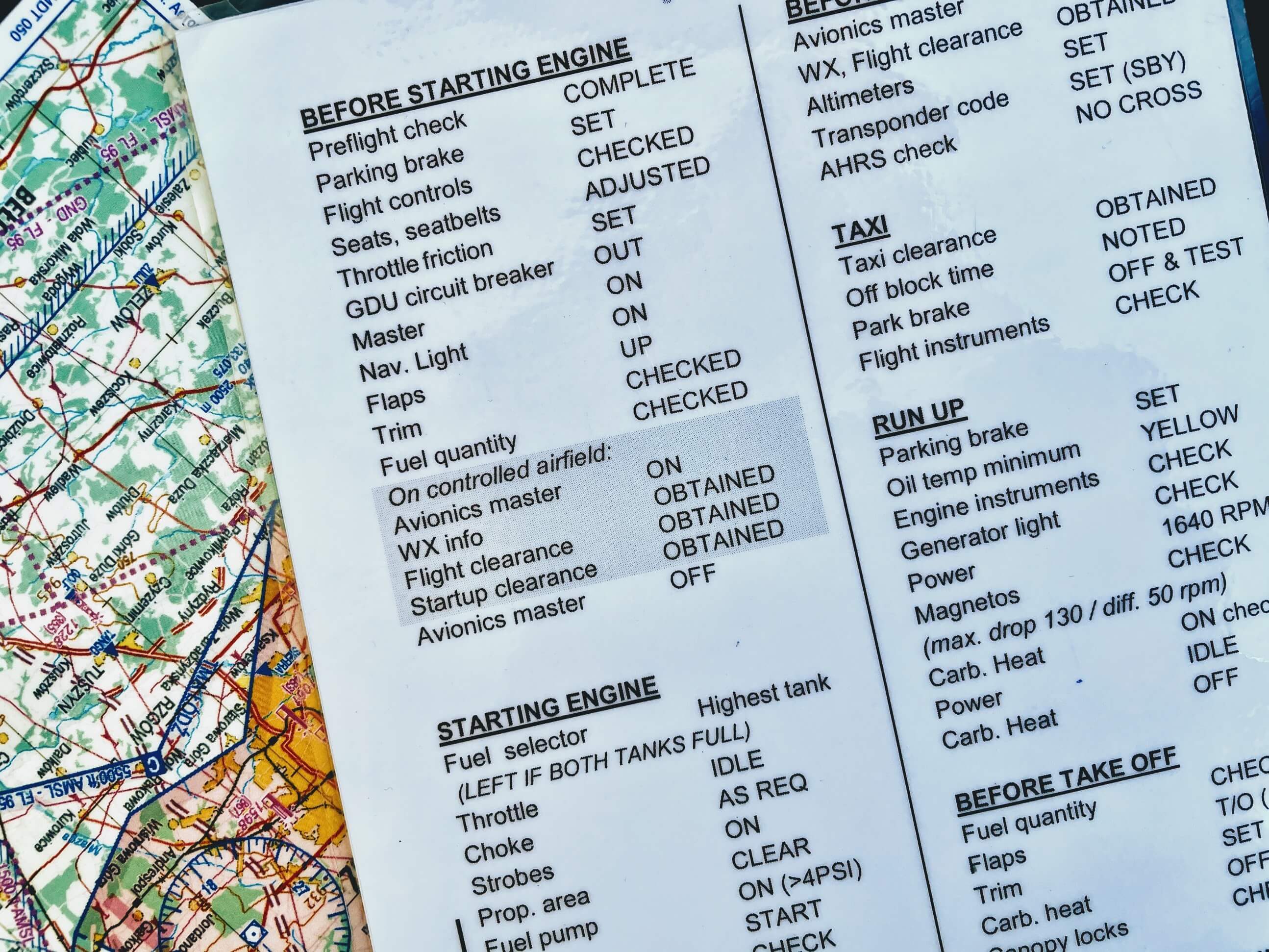
You should proceed in exactly the same way with checklists. Every time you run short of something, forget to charge your phone, don't take a spare memory card for the camera or send an email without the graphic, it's worth writing it down in the checklist. Control points will let you eliminate mistakes even before launching the procedure (pre-checklist).
How to implement automation using procedures and checklists?
I remember when the procedure for installing a server had over 50 points. Seeing it for the first time, it terrified me. Performing it practically every day, exactly the same points, I noticed that quite a lot of them could be automated.
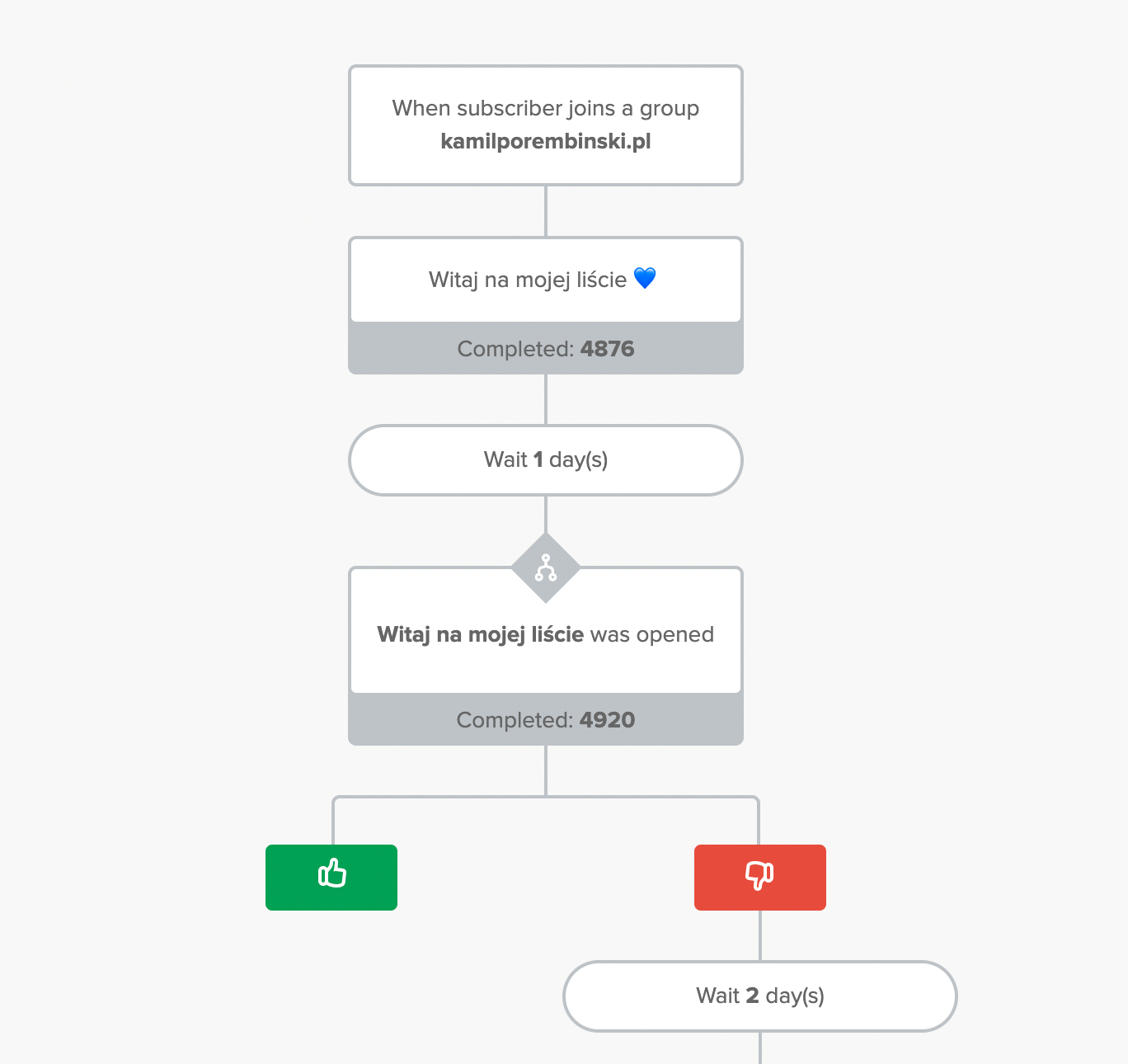
Referring to the example with the mailing-sending procedure, instead of filling in the fields manually you can use templates in the sending system. Email Marketing Automation tools allow them to be created and sent automatically, e.g. the moment you add an article to your blog.
Something you currently do manually, e.g. sending a newsletter about a new article, you can automate on the basis of a procedure. The points describing what the email should look like you describe in the sending template, the content you copy from the site can be loaded in automatically, etc. Your new procedure will look as follows:
- Log in to Mailerlite. The passwords for the service are in BitWarden.
- Check the correctness of the automatically created campaign (the "Mailing from a blog post" checklist),
- Click Send Campaign.
If several mailings of this kind, accepted manually, go through without an error, you can venture into full automation and optimise the procedure even further.
Will it make delegating tasks easier?
Absolutely! When performing any task, you can easily delegate to an external company or person, e.g. checking a given checklist. You then focus on completing the task, while someone else focuses on overseeing its quality and correctness. One problem off your mind!
And here again many benefits appear. When you do the work yourself and then assess the quality of its execution, you can overlook many things. Every day you check whether the offer email has an attachment, so you probably won't forget to do it next time. Unfortunately, such routine — clicking something from memory — eventually allows for mistakes. An outside person who carries out such a verification will catch errors from the checklist or discover new ones and update the control list.
And speaking of updating. It's similar with procedures. Having the process of a certain activity described, you can easily delegate it to another person. You have a ready-made instruction on how to do something. Then, using a checklist, you can check the quality of such a task.
Another plus of delegating a task is the updating of procedures by the new person. When you create a procedure, certain points are so obvious to you (It goes without saying) that you skip them. The curse of knowledge. A person who hasn't done this before should ask many questions, and then write down the answers they get in the procedure.
How do to-do lists help us?
A list of tasks to do should, above all, help organise over time what you have to do. It will also help you delegate a task and assign it to a specific person.
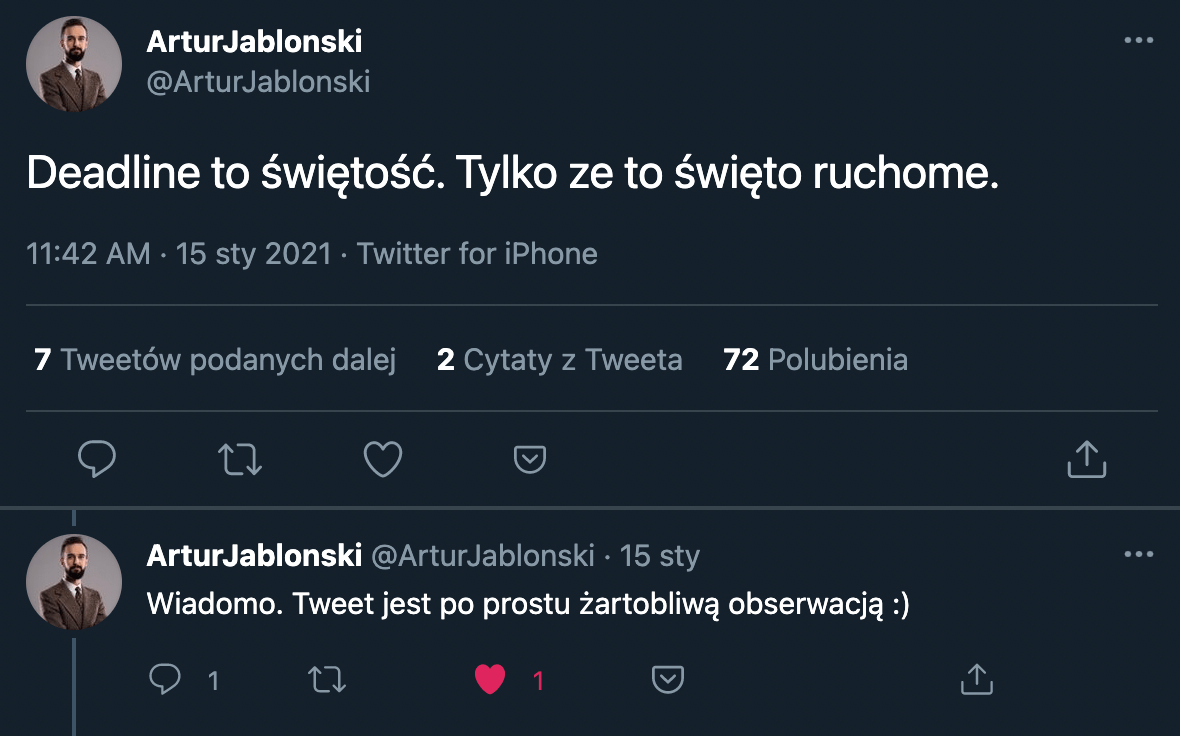
In my opinion, one of the more important things in a to-do list is the date by which such a task needs to be completed. Is there anything worse than missing a deadline?
There are many tools available online for keeping to-do lists: from the simplest to those that can combine tasks into larger projects, create subtasks, set tasks that block one another, etc. Large task systems also have built-in mechanisms for creating procedures or checklists.
Tools
There are quite a few tools available online that make working with procedures, checklists and to-do lists easier. To start with, however, a sheet of paper or any document-sharing system is enough.
In my case, for writing down procedures, Google Sites works great, as one of the elements of Google Workspace. Thanks to this tool, I create an internal Wiki that describes many processes and procedures. You can also use a tool like MediaWiki and set it up on hosting.
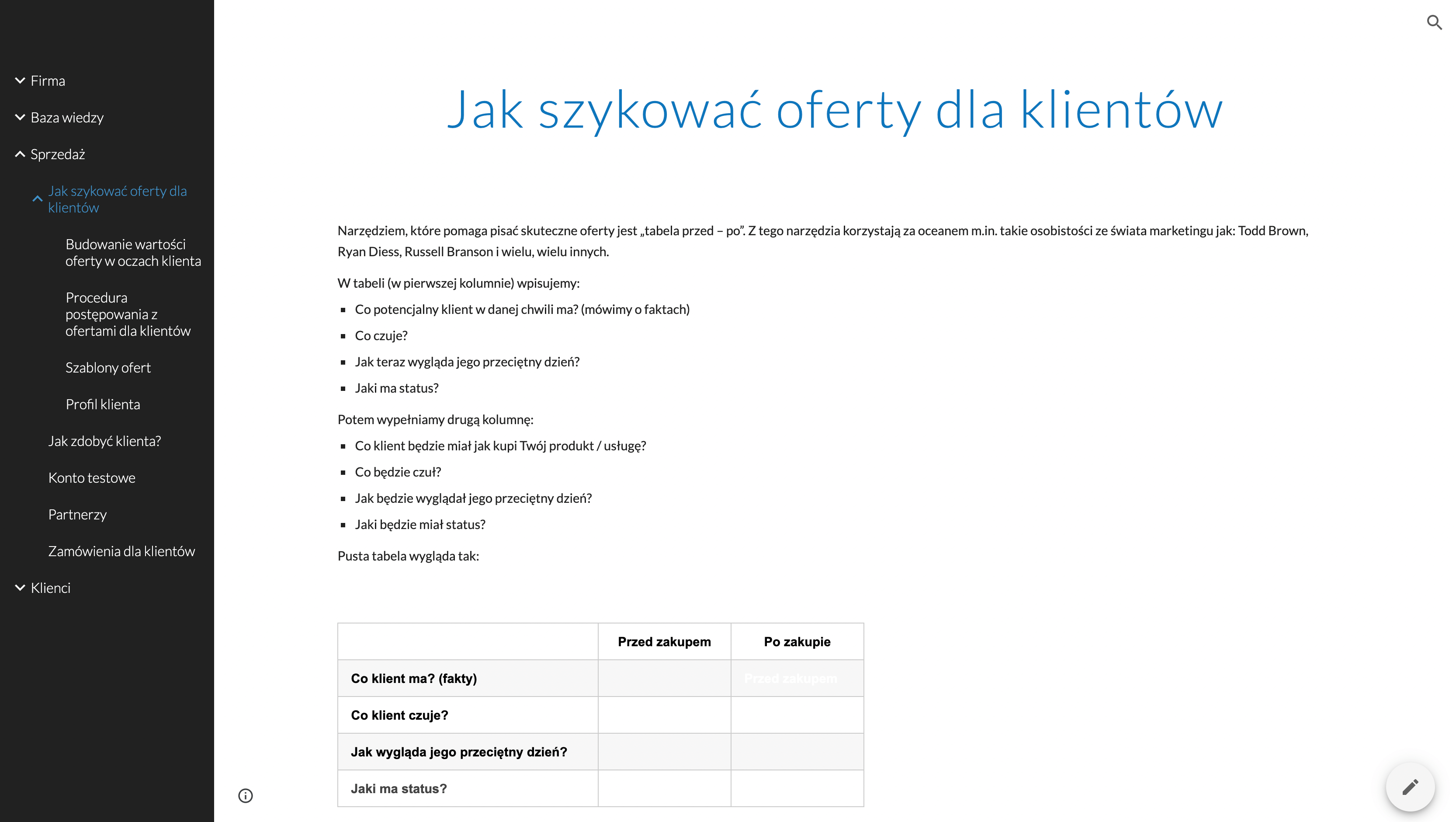
Checklists you can also save in a similar form, as another page in Google Sites. You can also use note-taking tools such as Evernote, OneNote, Google Keep (an element of Google Workspace) or Notion.
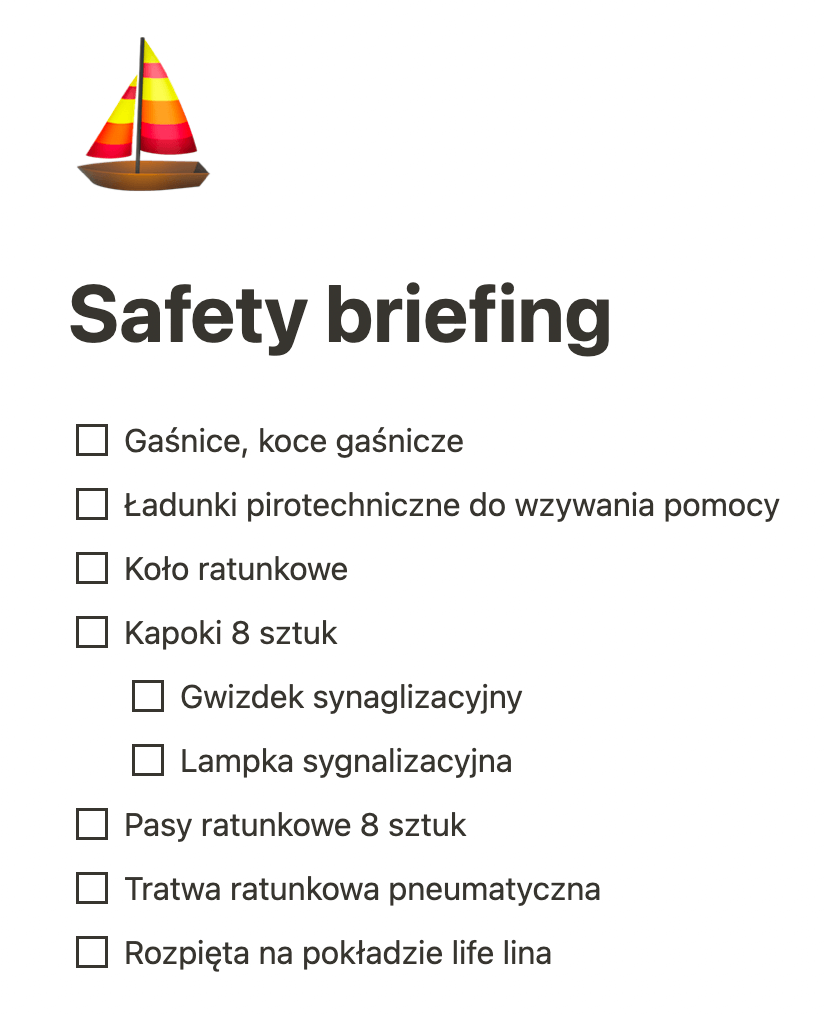
Tasks in the form of to-do lists you can write down in tools such as Trello, Jira, Asana, Clickup or many others. There's really a great deal of it and you'll surely find something for yourself.
Podcast
You can also listen to this topic in my guest appearance on WP Talks #12: How a simple checklist will help you take care of your site, increase income and save time.
Book
A good read is the book "The Checklist Manifesto" by Atul Gawande. There you'll find many examples of how tools of this kind have improved many areas of your life.
View related articles

IT outages happen to everyone
For the past few hours the internet messenger Slack has been down. A few weeks ago you couldn't use Google's services, and even earlier a large part of the Internet wasn't working because of an outage of Cloudflare's services. Is it possible that cloud services are unavailable?
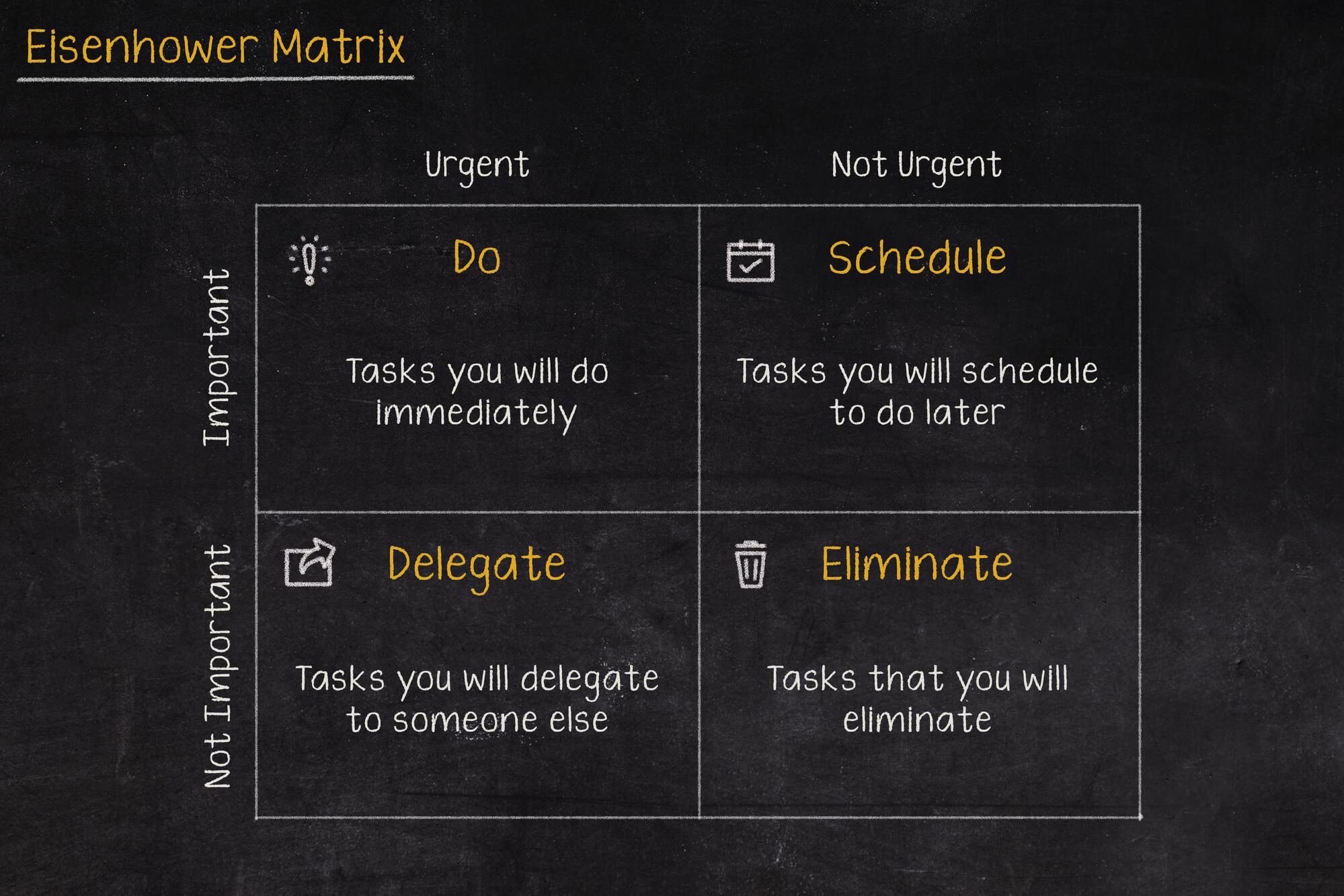
The Eisenhower Matrix, or how to take control of priorities
Go on a break, or maybe reply to that email, or pick up the phone from your boss? In what order should you tackle these tasks so as not to lose control and fall into helplessness? The solution to these problems may be the Eisenhower Matrix (also called the Eisenhower Box or Eisenhower Square).

Should the RCB Alert inform about the presidential elections?
Communication in an emergency is one of the more important topics covered during sailing, flying or diving. Warnings can save lives, which is why they shouldn't be treated lightly, and even more so shouldn't, by their wording, lead to their being ignored.